Select Browser Version:
You can view details associated with a record in the search results grid.
To view Product details:
-
Highlight an item in the grid.
-
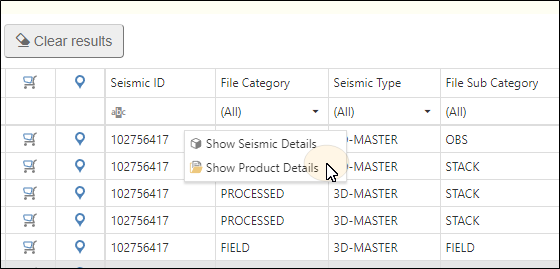
Right-click and select Show Product Details.
-
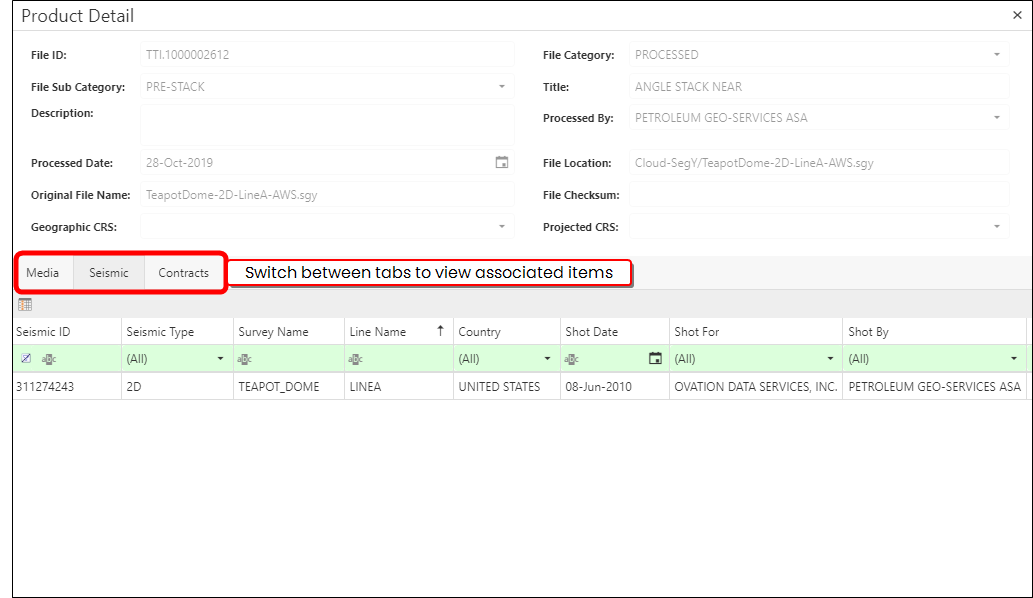
The Product Detail panel opens. The panel is divided into 2 sections. The upper section is auto populated with information about the product, and the lower section is divided into different tabs, showing associated Meda, Seismic, and Contracts.
To list the products associated to a single seismic source:
-
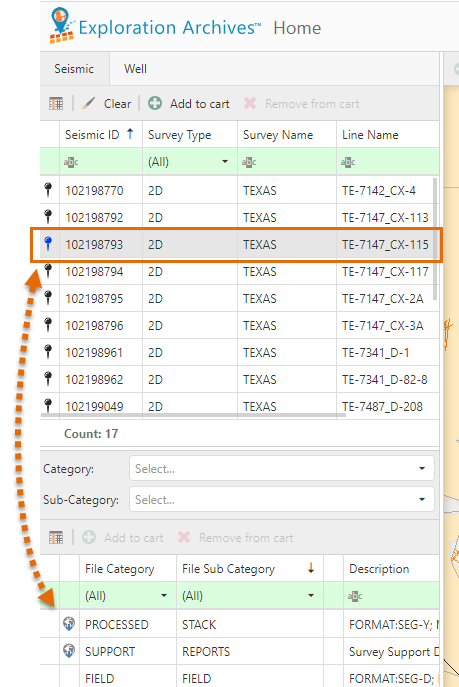
Click a row in the Seismic tab. The associated products populate in the lower grid.
To display products associated to multiple lines:
-
Use Ctrl+click to select more than one line. As the lines are selected, the associated products display in the lower grid.
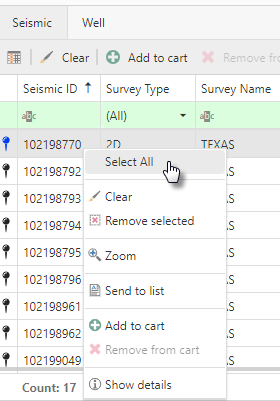
To display the associated products for all lines, right-click on the upper grid to open the action menu. Click Select All, and the associated products display in the lower grid.