Services
Select Version of EA Desktop:
Exploration Archives Services is a server based notification and messaging system.
Your system administrator configures the Services tools according your data management procedures and monitoring requirements.
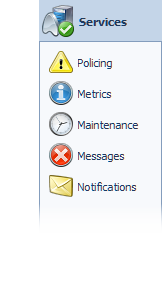
To open the Services configuration tools, click Services in the navigation panel and select the tool to open.
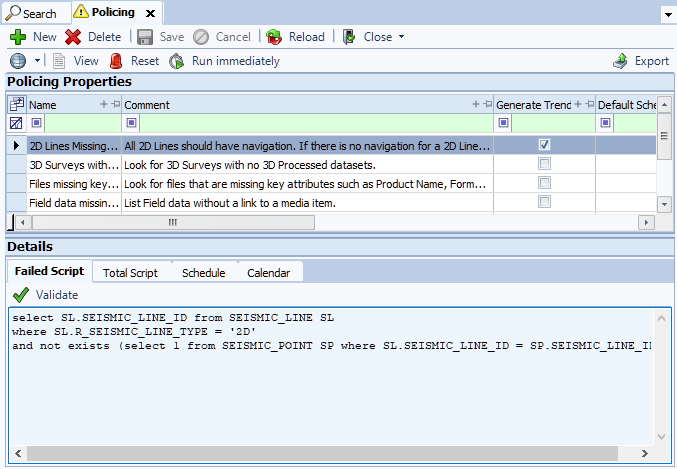
Policing
Policing scripts run nightly to monitor data integrity. Each morning, the system emails sends an email to designated users with a summary of any data that is violating rules. The summary provides users with information to help the address the issues and maintain consistent and clean data.
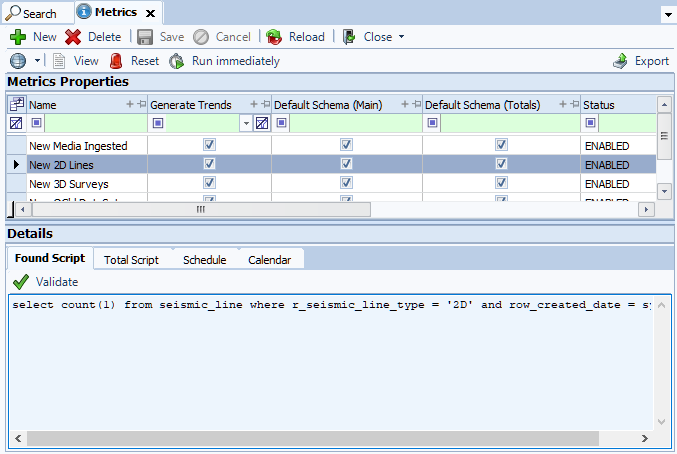
Metrics
The Metrics tool monitors various data trends. This is particularly useful for tracking cleanup of legacy data and overall asset acquisition.
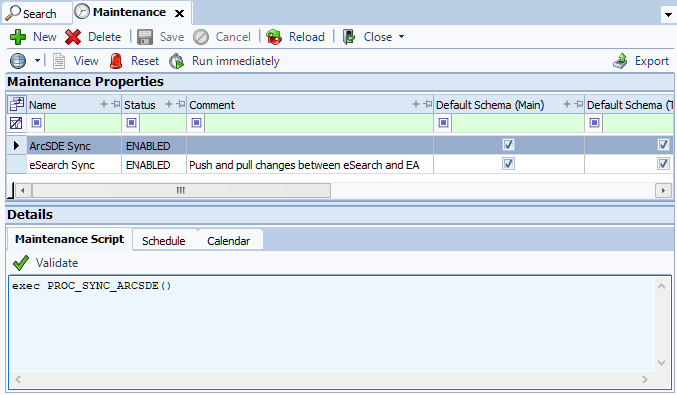
Maintenance
The Maintenance tool performs nightly database management tasks, such as refreshing materialized views. The Maintenance tool runs custom nightly scripts to perform tasks such as synchronizing data and populating data.
Messages
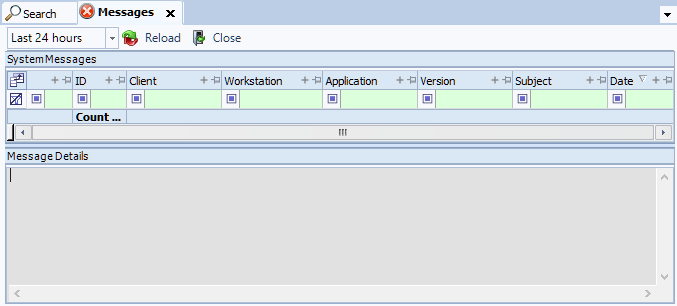
The Messages tool logs errors from across the application, and specifies the user who encountered the error. This log is useful for the Exploration Archives support team to address the errors quickly and effectively.
Notifications
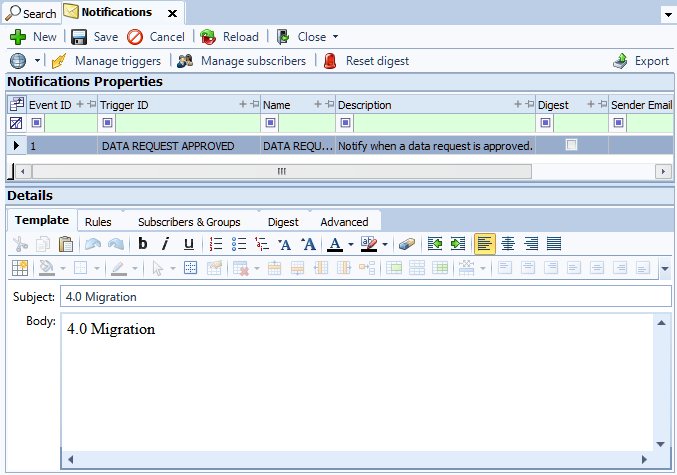
The Notifications tool generates two types of notifications.
-
Instant notifications monitor the database for particular actions, and triggers an email when that action occurs. For example, when a user completes a step within a task, the system sends an email to the user responsible for the subsequent step in the task.
-
Daily digest notifications monitor particular actions over 24 hours. The system sends a summary email once per day. This is useful for tracking updates to particular data that needs to be monitored or reviewed.