Select Browser Version:
You can configure the search screen to display results in three formats by using the button on the index search page:
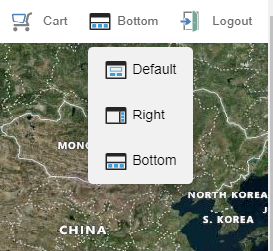
There are three layouts you can choose from:
-
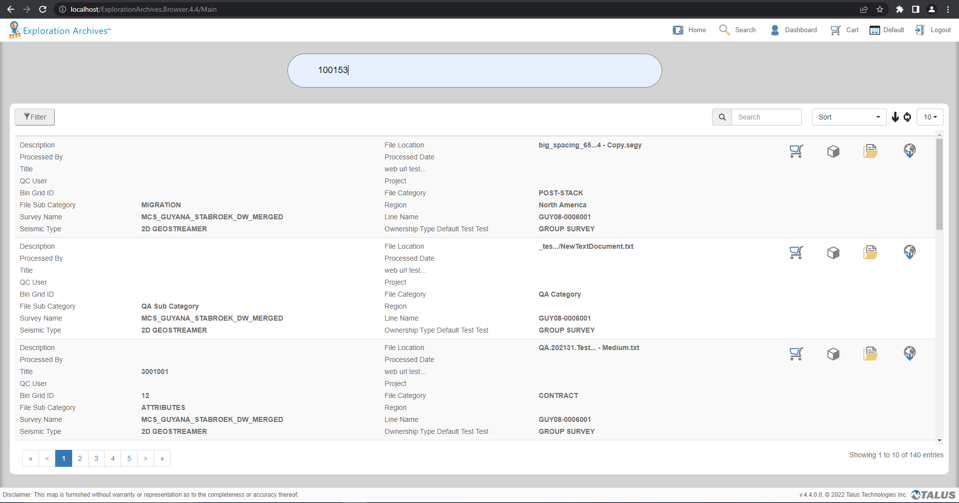
Default
-
Bottom - This view will place the search record on the bottom of the screen with a map on the top
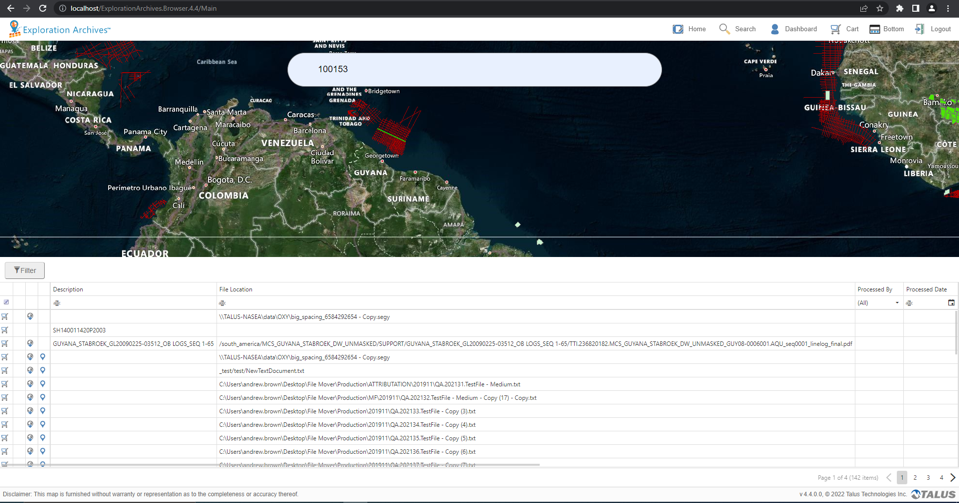
-
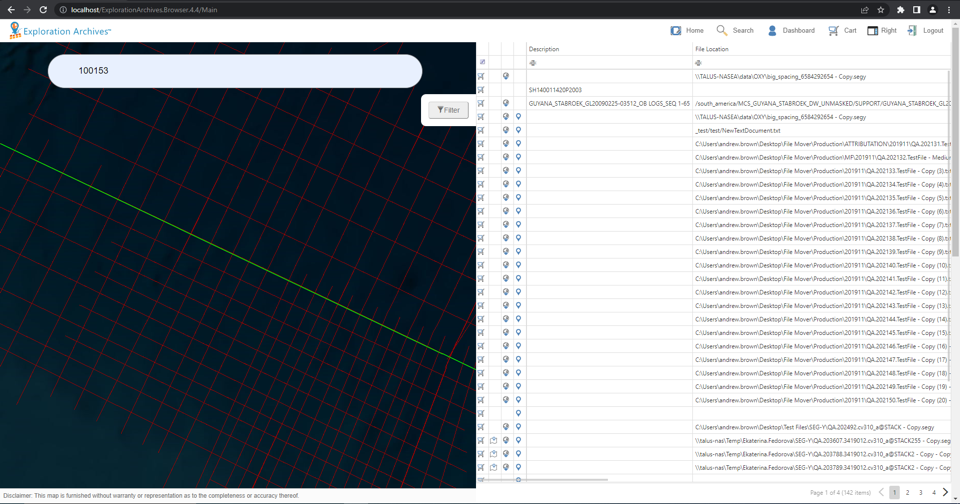
Right - Search results appear on the right side of the screen, with a map on the left.