Select Browser Version:
From the landing page, you can search for records using the search bar.
-
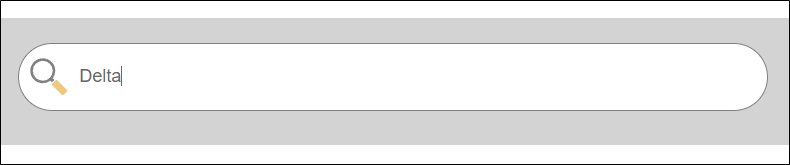
Enter a search term in the search bar and press Enter.
 Note:
Note:At present, you cannot perform a boolean search. Each time you enter a search phrase the results are replaced, the search isn’t cumulative.
-
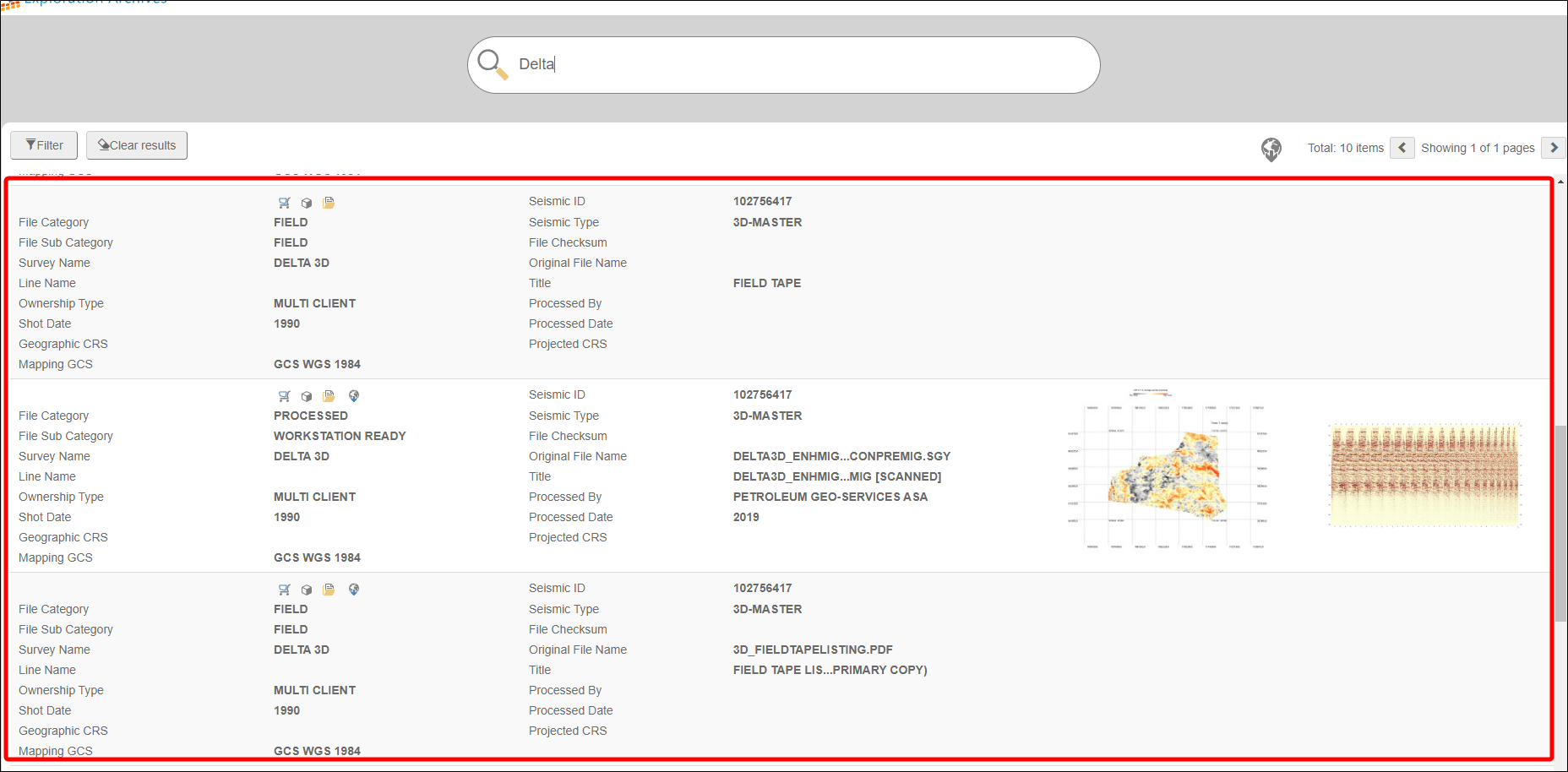
The search results will populate the results grid below the search bar.
-
Each record appears on a separate line. Each line shows the following:
-
Product Attributes
-
Seismic Attributes
-
SEG-Y is shown if the files have been scanned

-
-
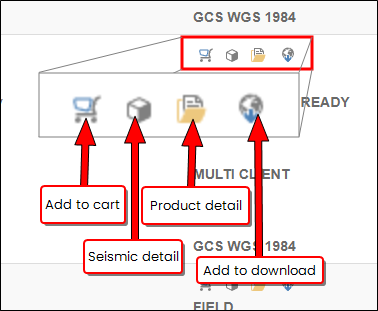
Each record has a set of buttons that lets you perform actions, such as adding to the cart, show seismic details, show product details, or add the record to a download queue.