Select Browser Version:
There are times when then search results can be a little broad and return a large number of results over multiple pages.
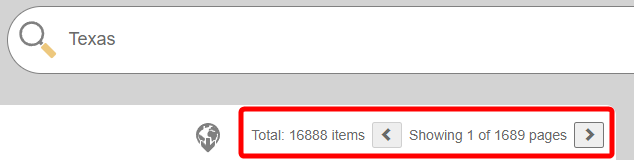
This is where the search filters come into play.
To apply search filters:
-
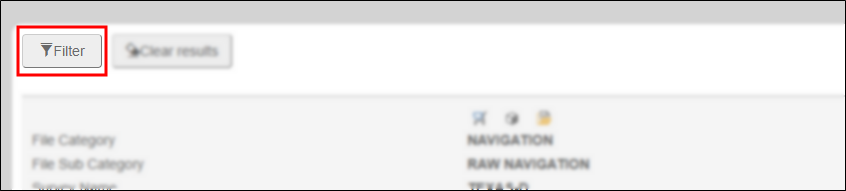
Above the search results in the upper left corner, select Filter.
-
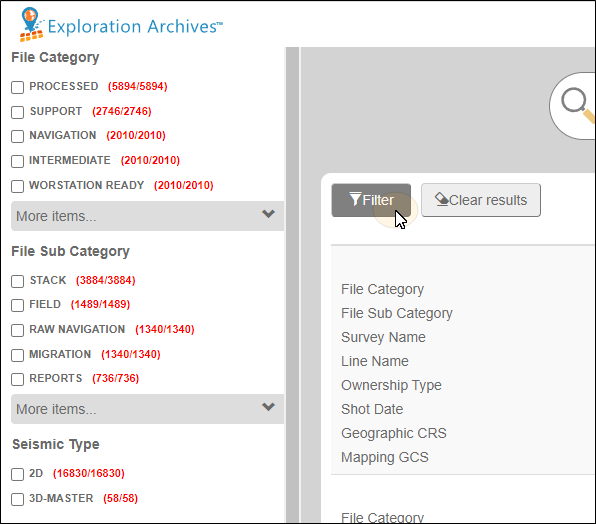
The Search filter will slide open on the left side of the browser window.
-
As you begin to select filter criteria by selecting check boxes, the search results will filter in real time.