Select Browser Version:
Unlike when you Search Records, the results grid does not assign buttons to every record in the grid. It is still possible to view the details of a record.
To view details of a record on the search results grid:
-
Highlight a record on the grid.
-
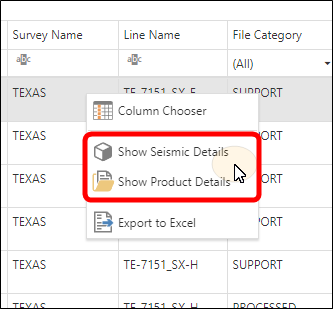
Right-click on the record and then select either Show Seismic Details or Show Product Details.
-
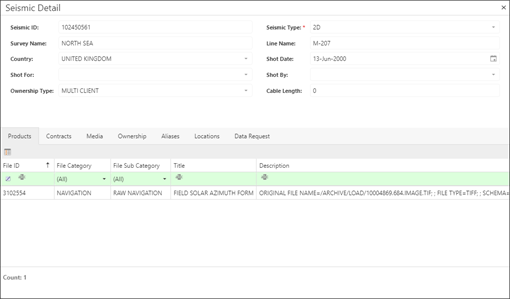
The appropriate dialog box will open depending on your choice.
-
Seismic Details dialog box:
-