Select Version of EA Desktop:
Media that has been added to a session can be removed from the session or moved to another session.
To remove media:
-
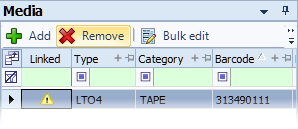
Select the media in the Media grid and click Remove from the toolbar.
-
A confirmation message opens. Click Yes to confirm.
-
The media record removes from the grid.
To move media to another session:
-
In the Media grid, select the item to move.
-
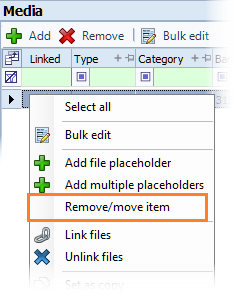
Right-click on the item to open the context menu and select Remove/move item.
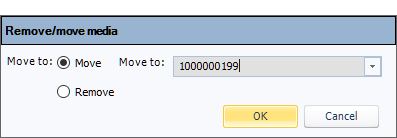
The Remove/move media window opens.
-
In the Move to field, select the session to move the media to. Click OK.
The media removes from the current session and adds to the specified session.