Select MobileMedia Version:
On the home screen of the scanner, tap the Mobile Media icon to open the log in screen.
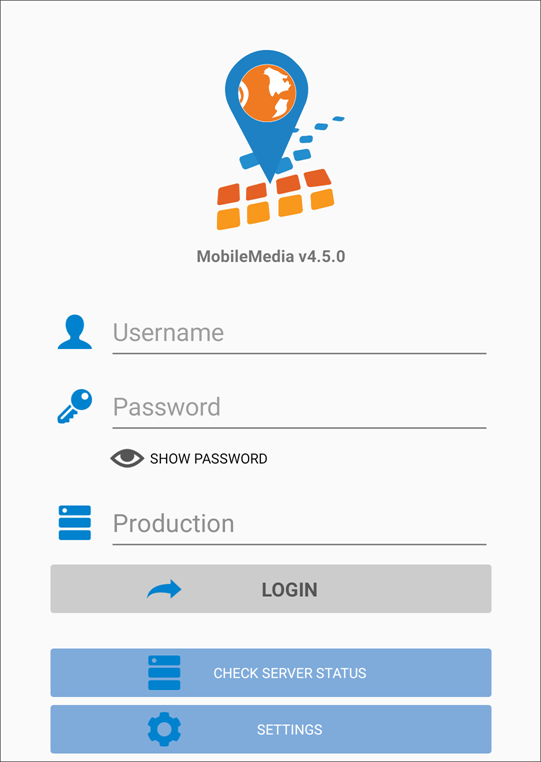
Enter your user name and password. Select the database you are working with. Tap Login.
Note:
If you have forgotten your log in credentials, contact your administrator for assistance.
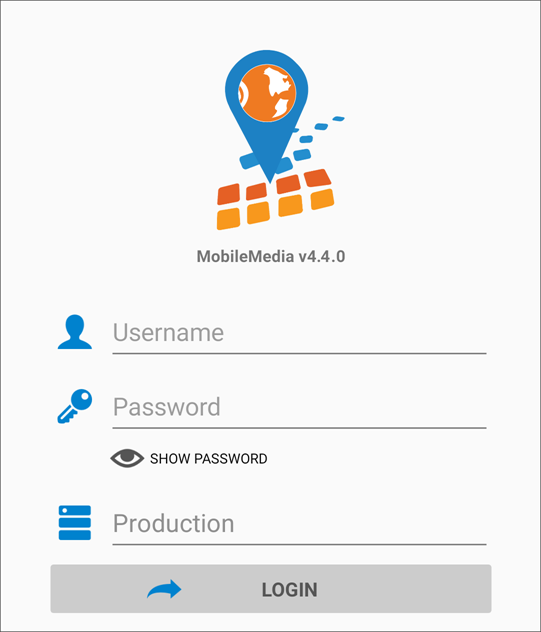
Enter your user name and password. Select the database you are working with. Tap Login.
Note:
If you have forgotten your log in credentials, contact your administrator for assistance.