Select MobileMedia Version:
Once logged in, you see the Main Menu.
The MobileMedia app displays the modules at the bottom of the screen. The associated task options for the selected module display in the main area of the screen.
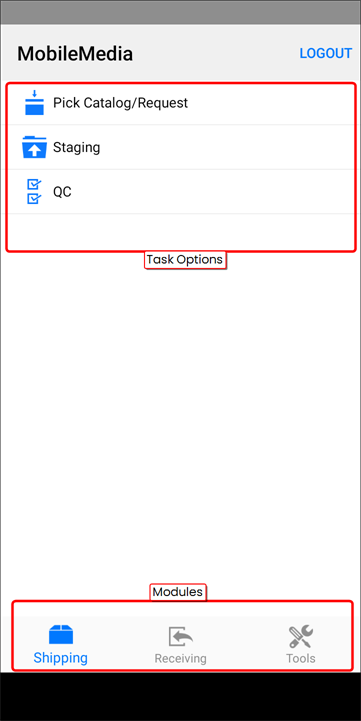
The status of the media record in Exploration Archives updates instantly as you complete each task in MobileMedia. To begin a task, tap the module and select the task.
The modules and associated tasks include:
 Shipping
- Pick Catalog/Request
- Staging
- QC
 Receiving
- Receiving
- Refile
- Box QC
- Box QC Data Request
 Tools
Tools
- Re-Barcode
- Check Work Order Status
- Check Catalog Status
- Settings
Once logged in, you will see the Main Menu.
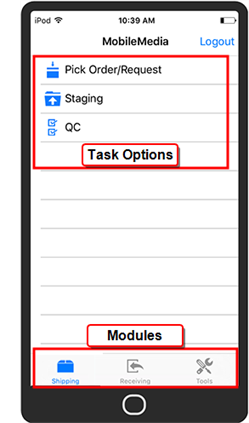
The MobileMedia app displays the modules at the bottom of the screen. The associated task options for the selected module display in the main area of the screen.
The status of the media record in Exploration Archives updates instantly as you complete each task in MobileMedia. To begin a task, tap the module and select the task.
The modules and associated tasks include:
Shipping
- Pick Order/Request
- Staging
- QC
Receiving
- Receiving
- Refile
- Box QC
Tools
- Re-Barcode
- Check Work Order Status