Identify features
Select Browser Version:
Identify: Populates a list of features associated to an item.
To Identify features:
-
Locate the seismic data on the map and zoom to the area.
-
On the map toolbar, click Identify.
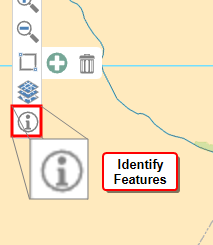
The Identify window will open.
Note:When the Identity window is open, the pointer will turn into the identify selection cursor
-
Click and drag to draw an area around items on the map.
The results open in the Identify window.
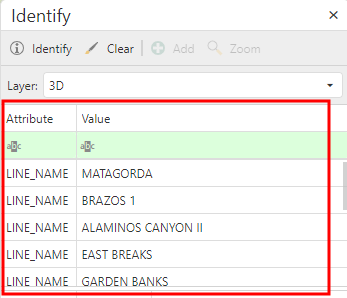
-
Click on an item in the upper grid to display the associated features in the lower grid.
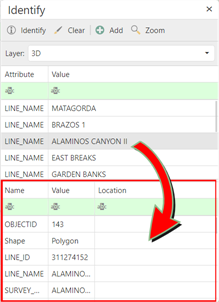
- Click Zoom To to zoom the map view to the item location.
Identify: Populates a list of features associated to an item.
To Identify features:
-
Locate the seismic data on the map and zoom to the area.
-
On the map toolbar, click Identify.
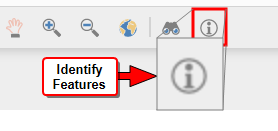
The Identify window will open.
Note:When the Identity window is open, the pointer will turn into the identify selection cursor
-
Click and drag to draw an area around items on the map.
The results open in the Identify window.
-
Click on an item in the upper grid to display the associated features in the lower grid.
- Click Zoom To to zoom the map view to the item location.