Select Browser Version:
While in Map view, it’s possible to view the SEG-Y detail if the record has one attached.
To view SEG-Y detail:
-
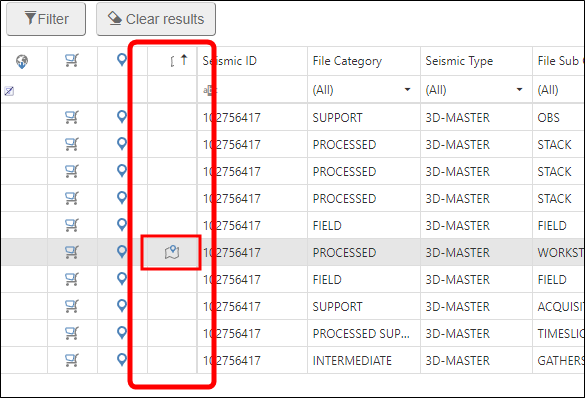
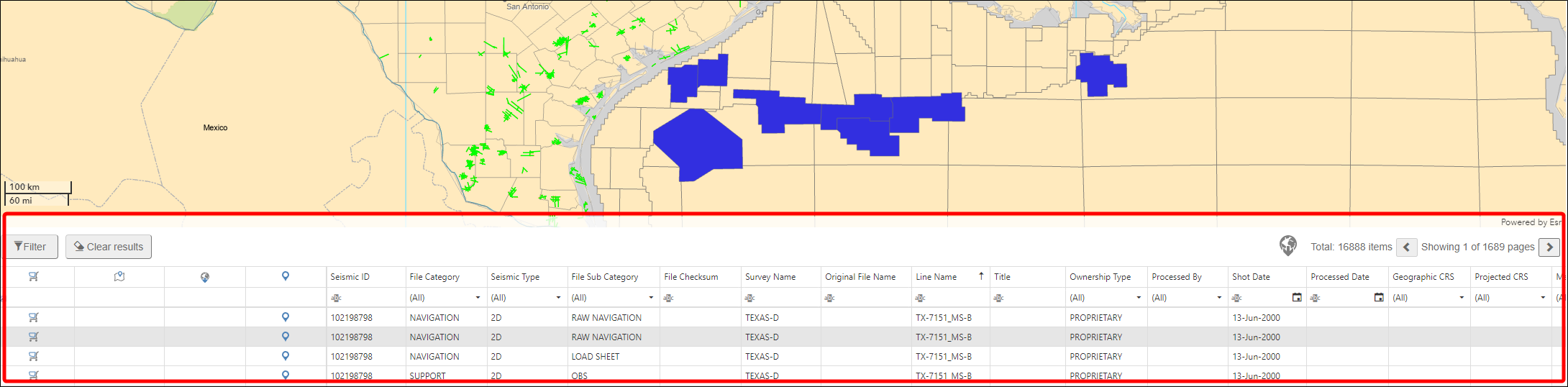
If a record has a SEG-Y snapshot attached, there will be an icon in the Show SEG-Y snapshot column.
-
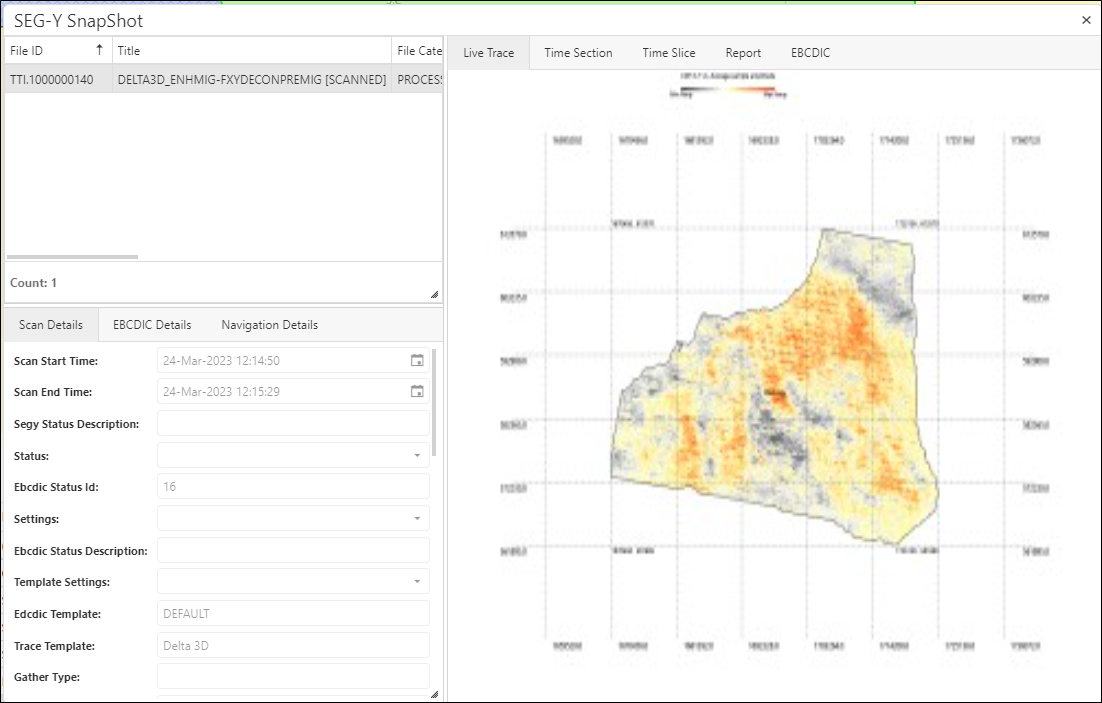
Click the SEG-Y Snapsot icon. the SEG-Y Snapshot window opens.
The results also appear in the text area.
 Note:
Note:The search field currently accepts search phrases.
-
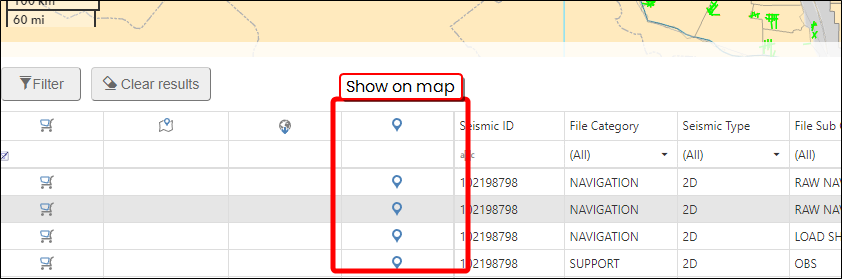
Looking at the search records, you can see the location of the record on the map, by selecting show on map.