Select Version of EA Desktop:
Deleting or disabling a user profile in Exploration Archives requires administration access.
To delete a user profile, select the user in the grid and click Delete.
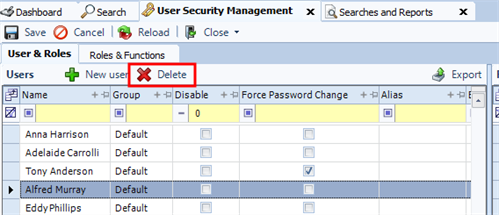
The delete button will remain dimmed if the user has done any work in Exploration Archives .
You can disable a user profile at any time:
To disable a user profile, locate the user in the Users grid and select the checkbox in the Disabled column. In the main toolbar, click Save.
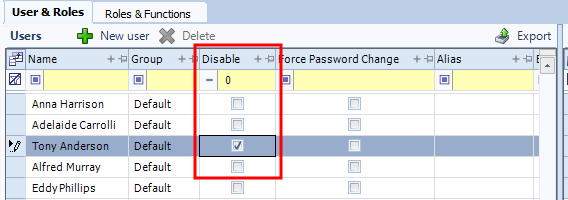
To filter the grid to display either all disabled users or all active users:.
In the filter row of the Disabled column enter 0 to display active users, Enter 1 to display disabled users.
The default grid view displays both disabled and active users.