Select Version of EA Desktop:
Creating and editing Roles & Functions requires administrative access.
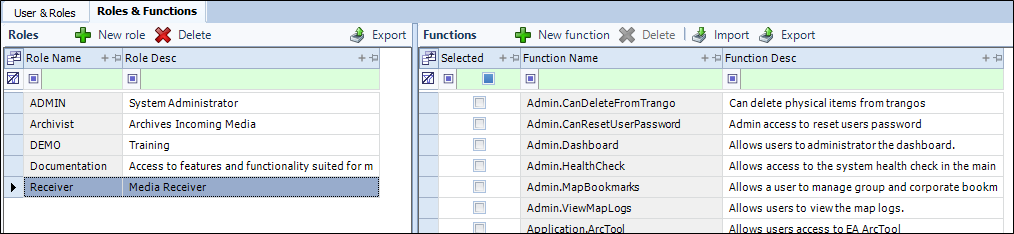
The Roles & Functions tab allows you to create roles and assign or edit the functions that roles have access to. The tab is divided into 2 panels. Roles are on the left, while the Functions are on the right.

To create a new role:
-
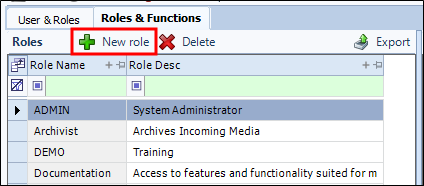
On the Toolbar, click New role on the role panel.
-
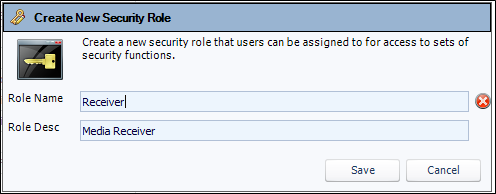
The Create new security role window will open.
 Note:
Note:The circular X beside the fields indicates required information. When the fields have been filled and verified the indicator(s) will disappear.
-
After entering the information, click Save. The window will close and the role will be added to the grid.
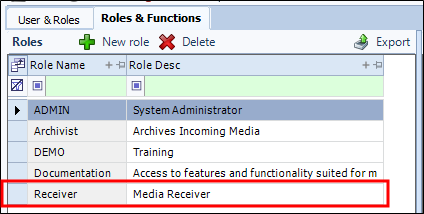
Once a role has been created, you can assign functions to it.
To assign functions to a role:
-
Highlight the role under the Roles section. The functions panel will display the functions available.
-
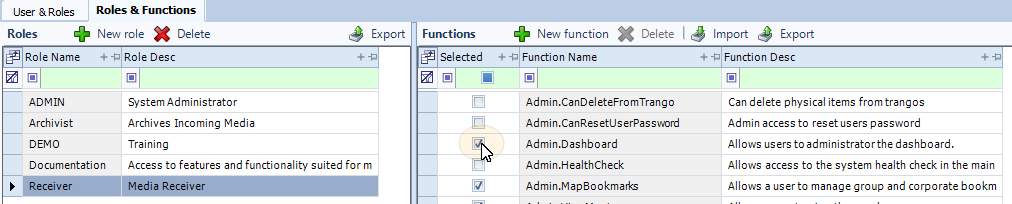
Select the check boxes of the functions the role will have permission to use.
-
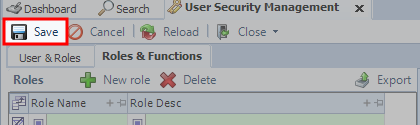
From the toolbar, click Save. The role will be saved with the functions.