Select Version of EA Desktop:
The Search module offers custom searches specific to your company workflows. Your administrator configures the searches with filtered fields to give targeted results.
To use your custom searches:
-
Click the Search tab in the Workspace.
-
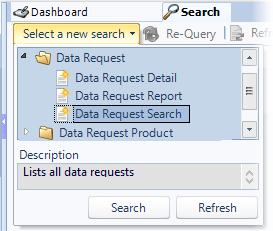
Click Select a new search to populate the list of custom searches.
-
Select your target search and click Search.
The search window opens. -
Enter your search criteria for the relevant filters.
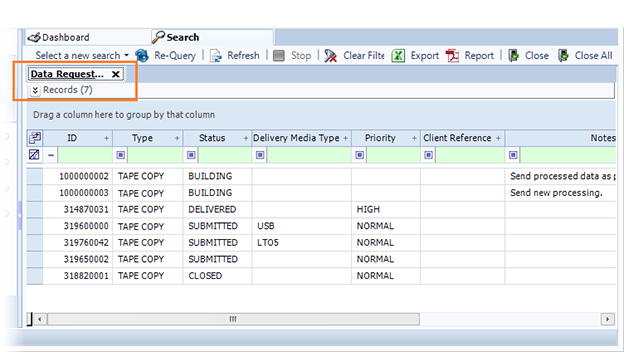
The results open in a new tab within the Search module. -
To open a particular record, double-click on a row. The record will open in the associated module.