Select Version:
Exploration Archives will create a list of the new items for you to easily access the items. If Enable List Creation is activated, clicking Load loads the data and adds the Completed items to a List.
To enable list creation before loading the data:
-
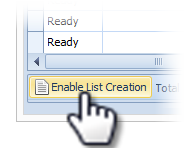
Click Enable List Creation. The List options expand.
-
Enter a list name and description.
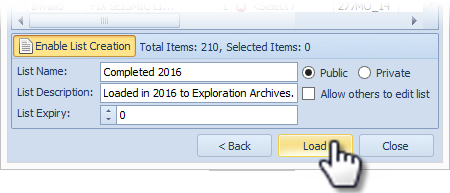
- Select the list to be public or private, and whether others can edit or not.
- Enter the number of days before a List Expires.
- When you are satisfied with the status of the items and your list detail, click Load to complete loading the navigation data.