Select Browser Version:
If an item in the search grid has a SEG-Y snapshot attached to it you can view it from the grid.
To view a SEG-Y snapshot:
-
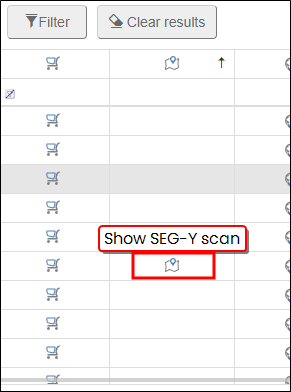
Select the icon in the Show SEG-Y scan column on the item.
-
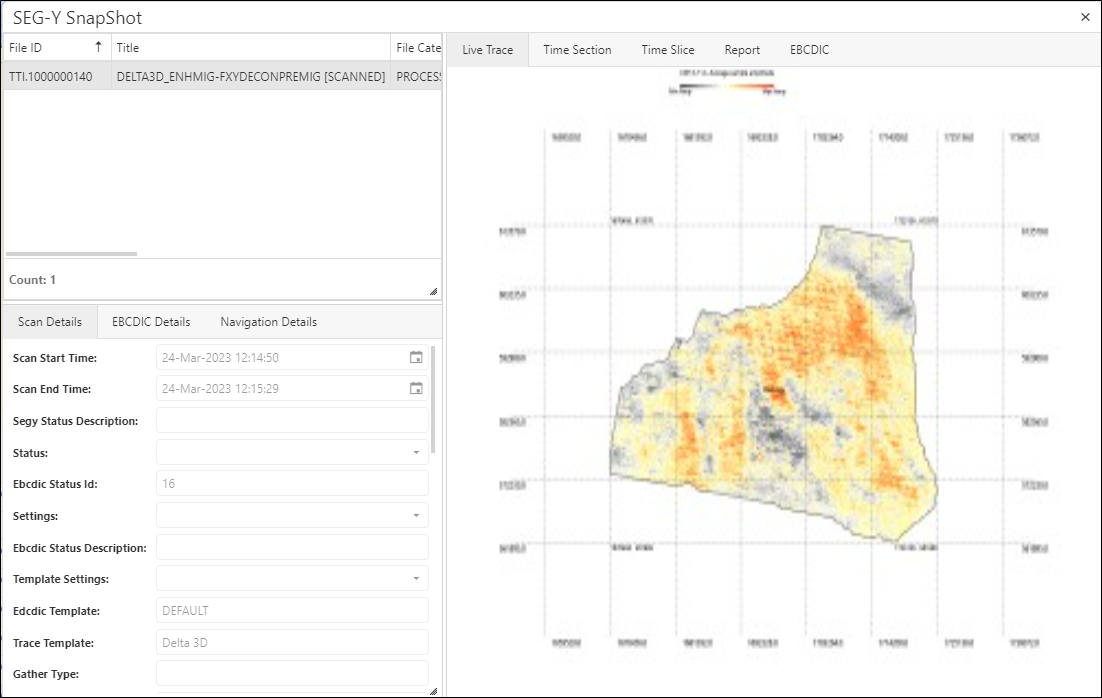
The SEG-Y snapshot window opens.
-
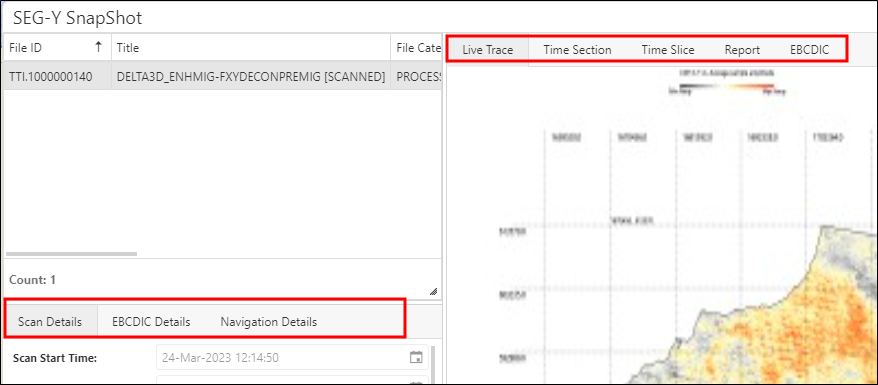
Select the tabs to view the information contained in each section.