Select Browser Version:
You can view details associated with a record in the search results grid.
To view Product details:
-
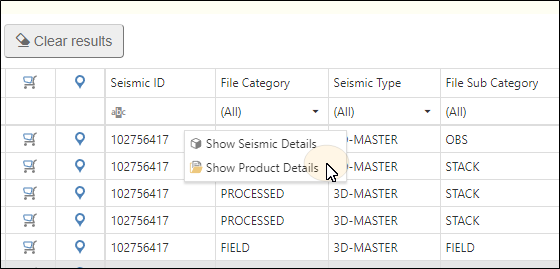
Highlight an item in the grid.
-
Right-click and select Show Product Details.
-
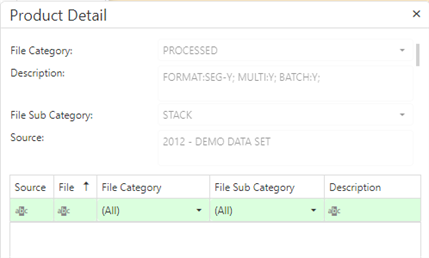
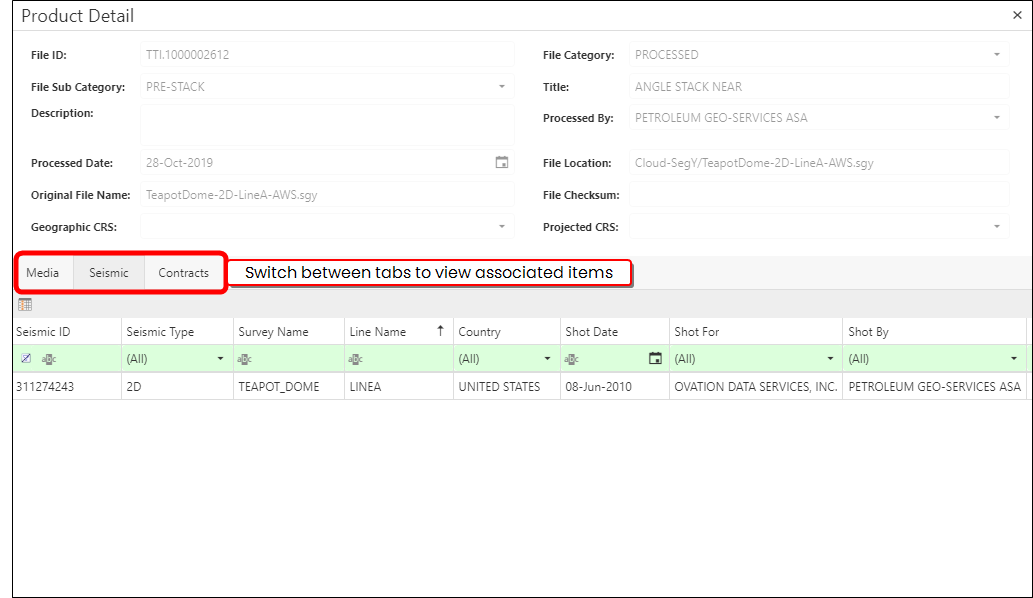
The Product Detail panel opens. The panel is divided into 2 sections. The upper section is auto populated with information about the product, and the lower section is divided into different tabs, showing associated Meda, Seismic, and Contracts.
The lower grid of the grid panel displays a list of the products associated to selected seismic . For instructions on populating the list of products, refer to Display associated products. The product information available in the grid includes the File ID, Description, Category and Sub Category.
To narrow the list of products in the grid, use the filtering features above the grid or refer to Filter and format the grid for more options.
 To filter by category:
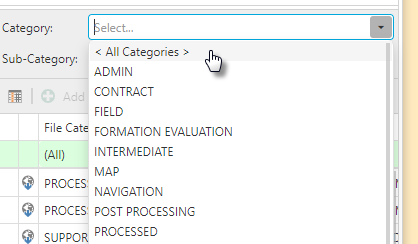
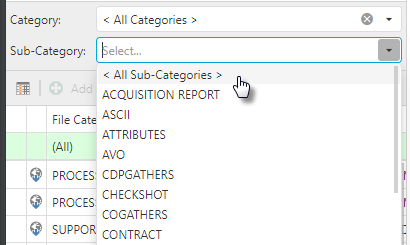
To filter the list of products to a particular category set, click the down arrow next to Product Category and select a category.
To filter by sub-category:
To filter the list of products to a particular sub-category, click the down arrow next to Sub-Category and select a sub-category.
To view contracts or child products:
-
Click a row in the products grid to select the product of interest.
-
Right-click on the row to open the action menu.
-
Select Show Details.
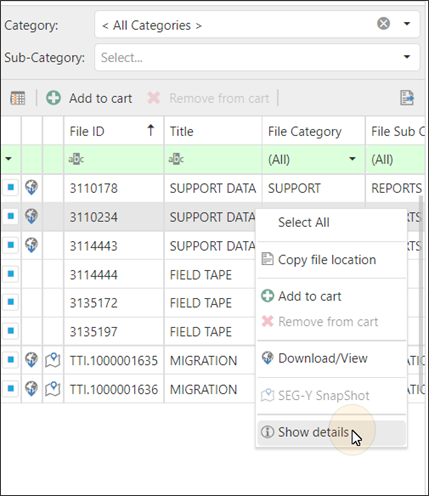
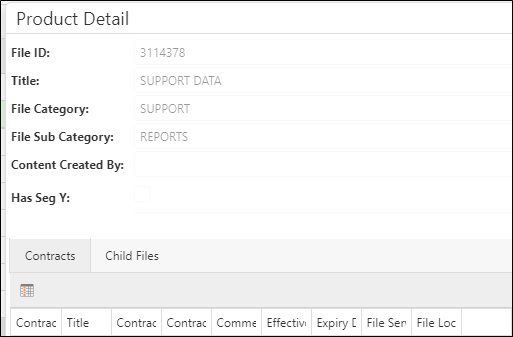
The Product Details window opens and displays two tabs: The first is a contracts tab, which displays the contracts associated with the product and a list of child products (if applicable).
The lower grid of the grid panel displays a list of the products associated to selected seismic . For instructions on populating the list of products, refer to Display associated products. The product information available in the grid includes the File ID, Description, Category and Sub Category.
To narrow the list of products in the grid, use the filtering features above the grid or refer to Filter and format the grid for more options.
To filter by category:
To filter the list of products to a particular category set, click the down arrow next to Product Category and select a category.
To filter by sub-category:
To filter the list of products to a particular sub-category, click the down arrow next to Sub-Category and select a sub-category.
To view child products:
-
Click a row in the products grid to select the product of interest.
-
Right-click on the row to open the action menu.
-
Select Show Details.
The Product Details window opens and displays the list of child products (if applicable).