Select Browser Version:
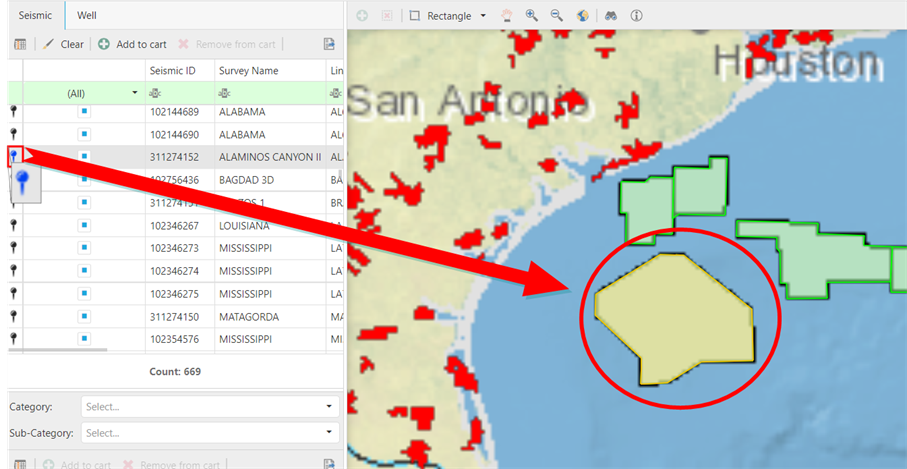
To zoom the map view to a particular record, select the Show on map icon in the column of the record.
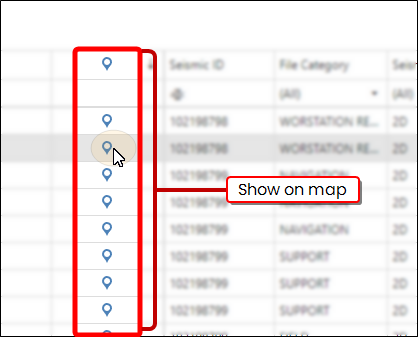
The map zooms directly to the selected item.
Note:
The record will have the Show on map icon if they it is available on the map. The icon will not appear if the item is not on the map.
To zoom the map view to a particular feature, select the feature listed in the Seismic grid and click Zoom Highlighted.
The map zooms directly to the seismic location and the selected feature changes colour.
Note:
In the image that the seismic selected for zooming is yellow while the other features remain green.