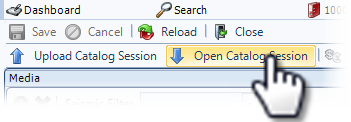
Select Version of EA Desktop:
After adding the relevant detail, files and media, your catalog session is ready to move to the Completed status. In the Completed status, the session is ready for quality control (QC) procedures.
To advance a catalog session to Completed status:
-
Open a Catalog session in edit view.
-
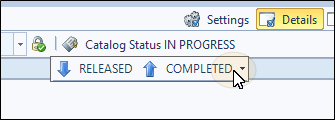
Select Completed from the Catalog Status drop down.
-
The system will validate the status. Errors will be displayed and the Catalog status will remain as In Progress until the errors are fixed.
After adding the relevant detail, files and media, your catalog session is ready to move to the Completed status. In the Completed status, the session is ready for quality control (QC) procedures.
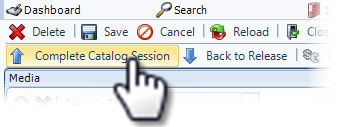
To advance a catalog session to Completed status, click Complete Catalog Session.
If the session fails QC, click Open Catalog Session. The status changes back to In Progress for the person responsible to correct the data.