Select Version of EA Desktop:
To remove a survey or product from a license:
-
Open the License module and locate the license in the License Properties grid.
-
Right-click on the license to open the context menu and select Edit License to open the Editor View.
-
In the Related Records area, select the item to remove in the Seismic or Products grid and click Remove.
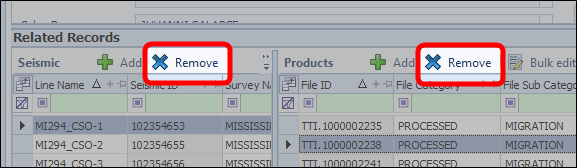
Removing a seismic survey removes all products associated to that survey. Removing a product just removes the single product.
To remove a survey or product from a license, open the License module and locate the license in the License Properties grid. Right-click on the license to open the context menu and select Edit License to open the Editor View.
In the Related Records area, select the item to remove in the Seismic or Products grid and click Remove.
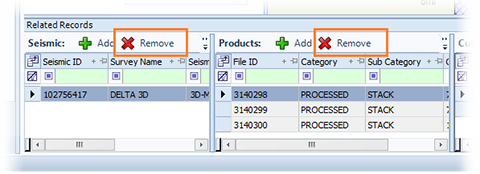
Removing a seismic survey removes all products associated to that survey. Removing a product just removes the single product.