Select Version of EA Desktop:
Bookmarks provide quick navigation to specified map locations.
To create a new bookmark:
-
Navigate to the target location on the map.
-
Click Bookmarks to open the Bookmarks window.
-
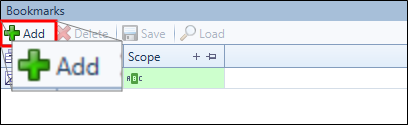
Click Add.
-
Enter a name for your bookmark then click Save.
The bookmark will add to the list of bookmarks and will be available from the bookmark drop-down.
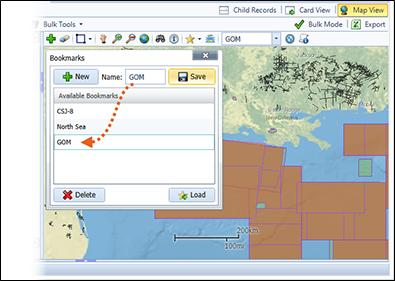
- To navigate to a bookmarked location, select the bookmark from the Bookmarks drop-down menu.