in Browser
Select Browser Version:
The search results grid in Exploration Archives Browser is the interface for creating, viewing and submitting product orders to the cart.
The basic steps for creating an order include:
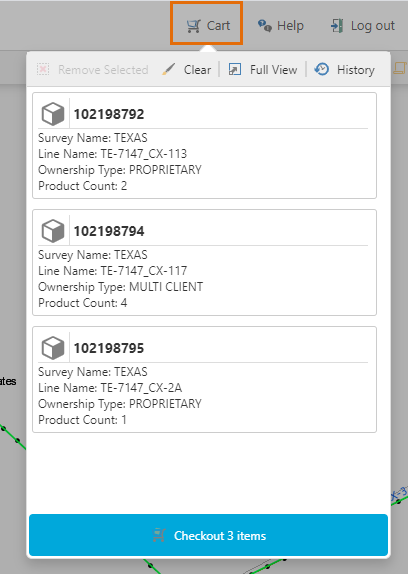
Use the Cart button to review and checkout your order.
The Grid Panel in Exploration Archives Browser is the interface for creating, viewing and submitting product orders.
The basic steps for creating an order include:
The upper area of the Grid Panel has the Seismic tab.
The Seismic tab is a working space for compiling an order. The lower grid displays the associated products available for ordering. Adding products to an order copies them to the Cart tab.
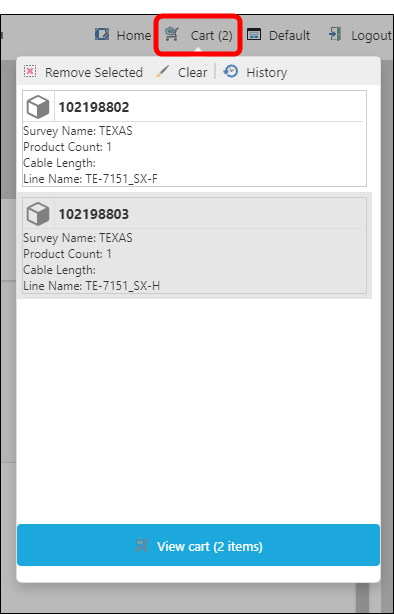
Use the Cart button to review and checkout your order.