Select Browser Version:
After adding products to the Cart and reviewing the list to confirm the products are correct, check out the order and enter the logistics.
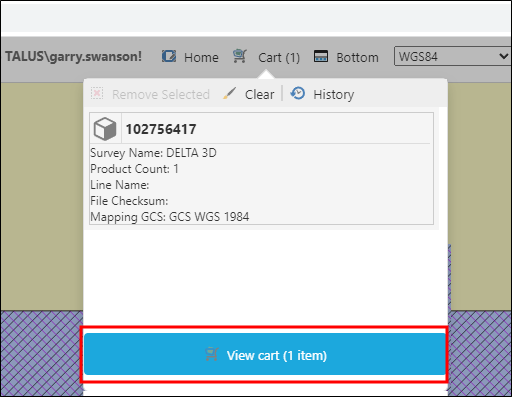
To checkout the order, click View Cart in the lower panel. The Data Request Detail window opens.
The upper panel of the Data Request Detail window includes three tabs for entering information: Basic Details, Deliver To and Data Sale.
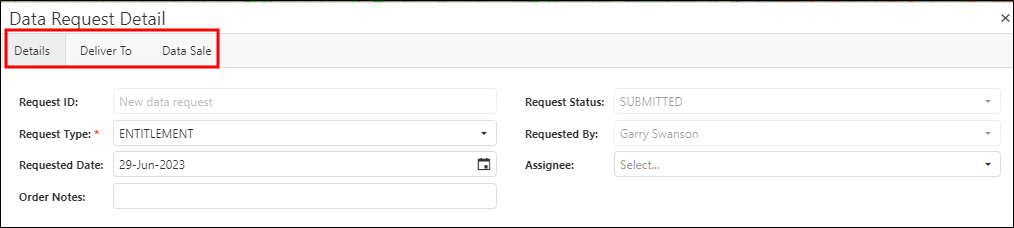
The fields available in the tabs may be customized according to your business workflows.
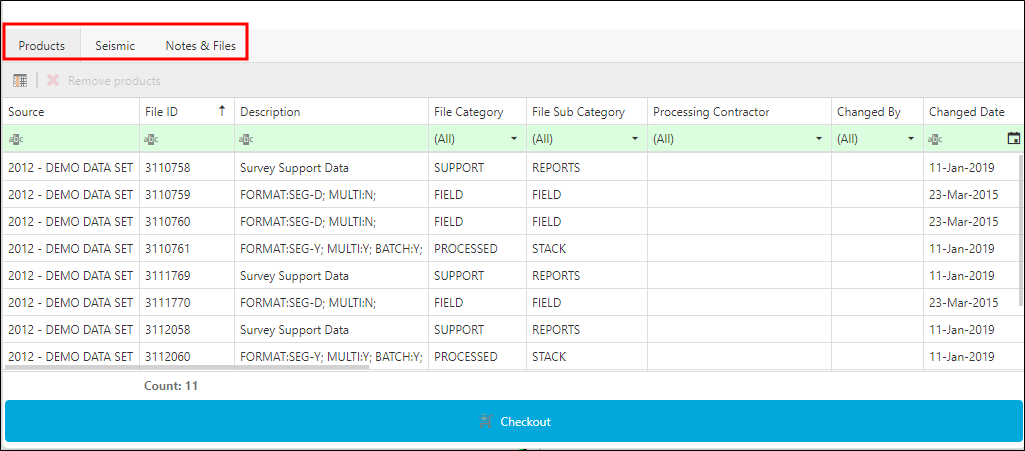
The lower panel displays the Products, Associated Seismic and Notes & Files tabs.
After adding products to the Cart and reviewing the list to confirm the products are correct, checkout the order and enter the logistics.
To checkout the order, click Checkout in the lower panel. The Data Request Detail window opens.
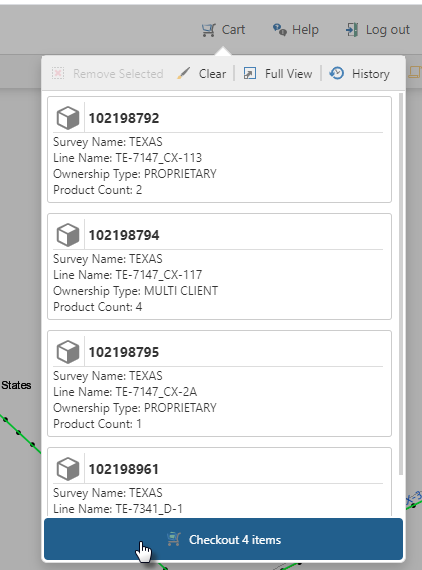
The upper panel of the Data Request Detail window includes three tabs for entering information: Basic Details, Deliver To and Data Sale.
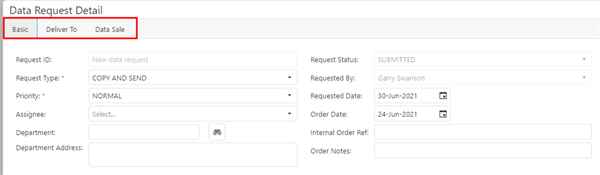
The fields available in the tabs may be customized according to your business workflows.
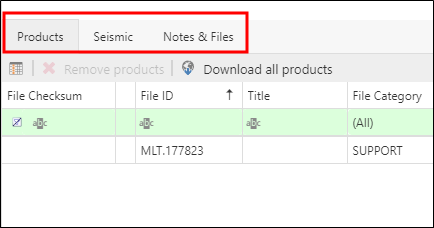
The lower panel displays the Products, Associated Seismic and Notes & Files tabs.