Select Browser Version:
Browser has a Data Request tracking page that shows your requested data requests for the last 30 days (by default) and can also search other data requests.
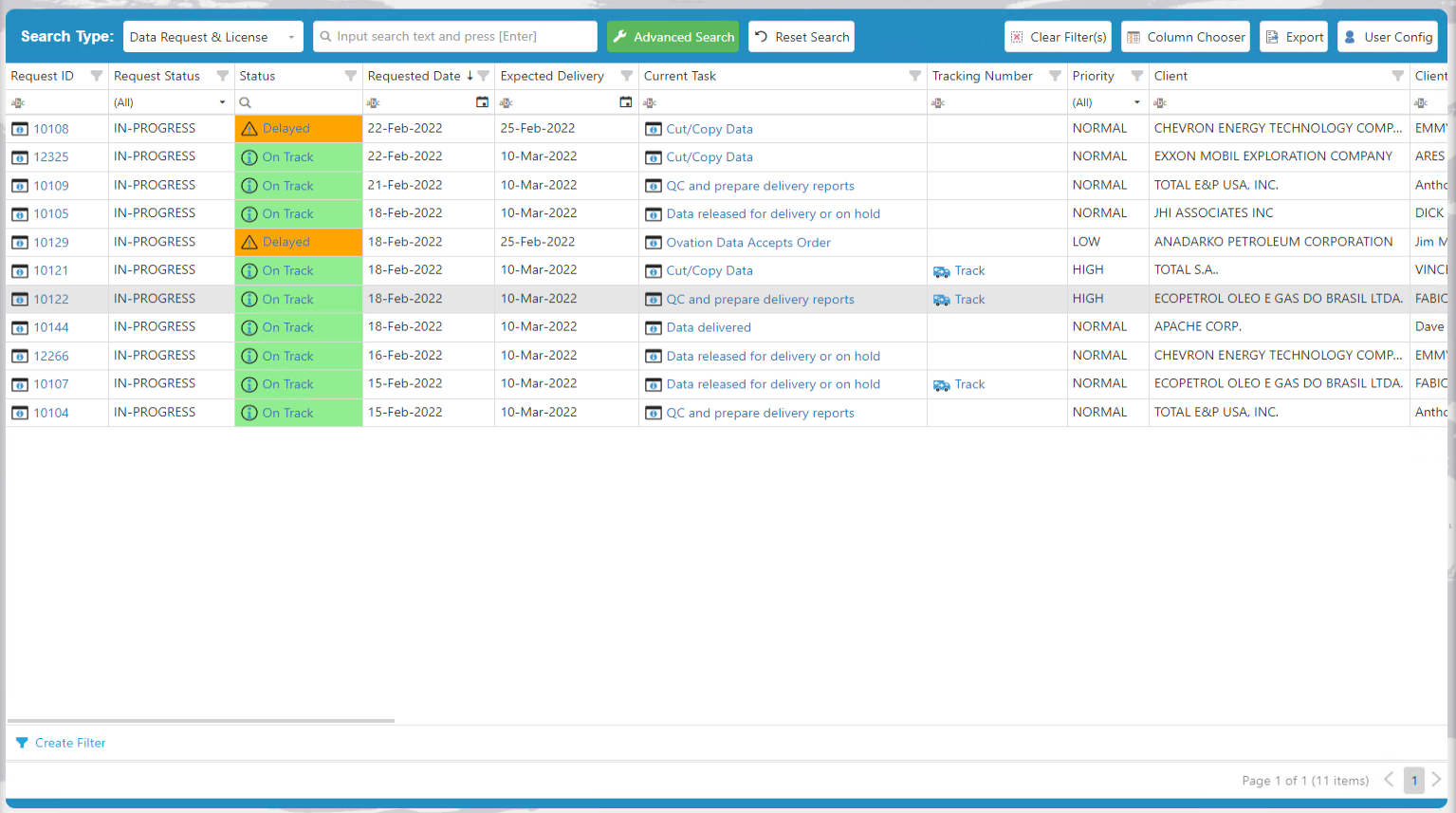
There are various tools contained in the window:
 Search Tools:
-
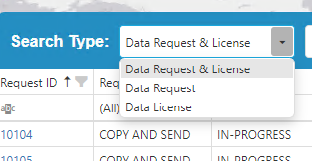
Search Type: Allows you to set the search type/query used on the keyword and advanced searches.
-
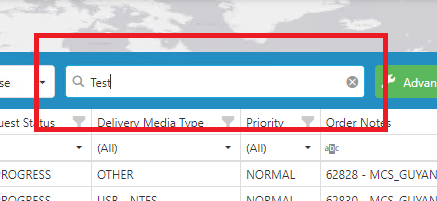
Keyword Search: Allows you to search for any specific data requests using the pre-defined/EA configured search columns. This query uses the "OR" conjunction on the search criteria.
-
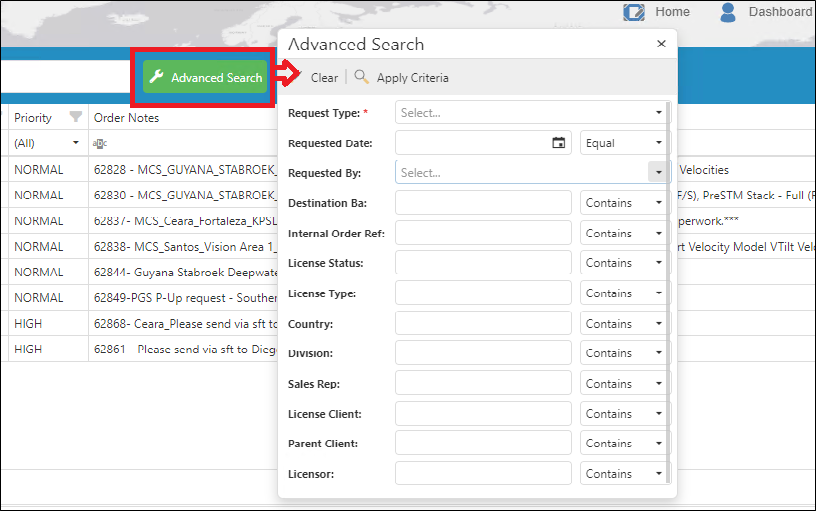
Advanced Search: Allows you to search for any specific data requests using the pre-defined/EA configured search columns. This query uses the "AND" conjunction on the search criteria.
-
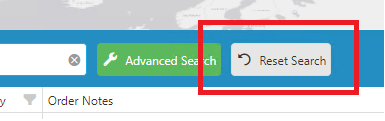
Reset Search: Resets the search result to Default (Current user's requested data requests in the last 30 days).
-
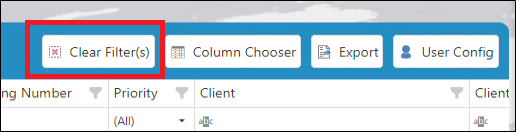
Clear Filter(s): Clears all of the filter(s) currently applied on the table.
Other Tools:
-
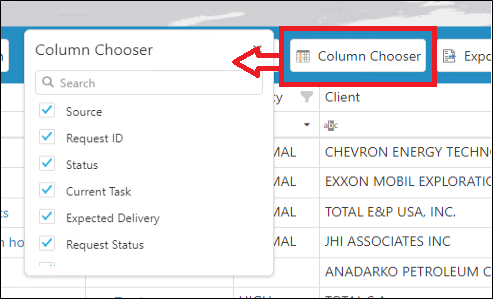
Column Chooser: Shows the column chooser of the table which allows you to show or hide columns.
-
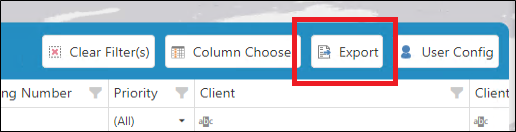
Export to Excel: Exports the current grid data to excel (Exports all of the data regardless of its page).
-
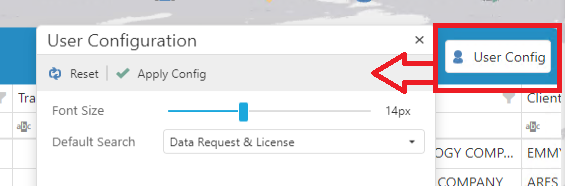
User Config: Allows you to set the default font size and search type of the page.
-
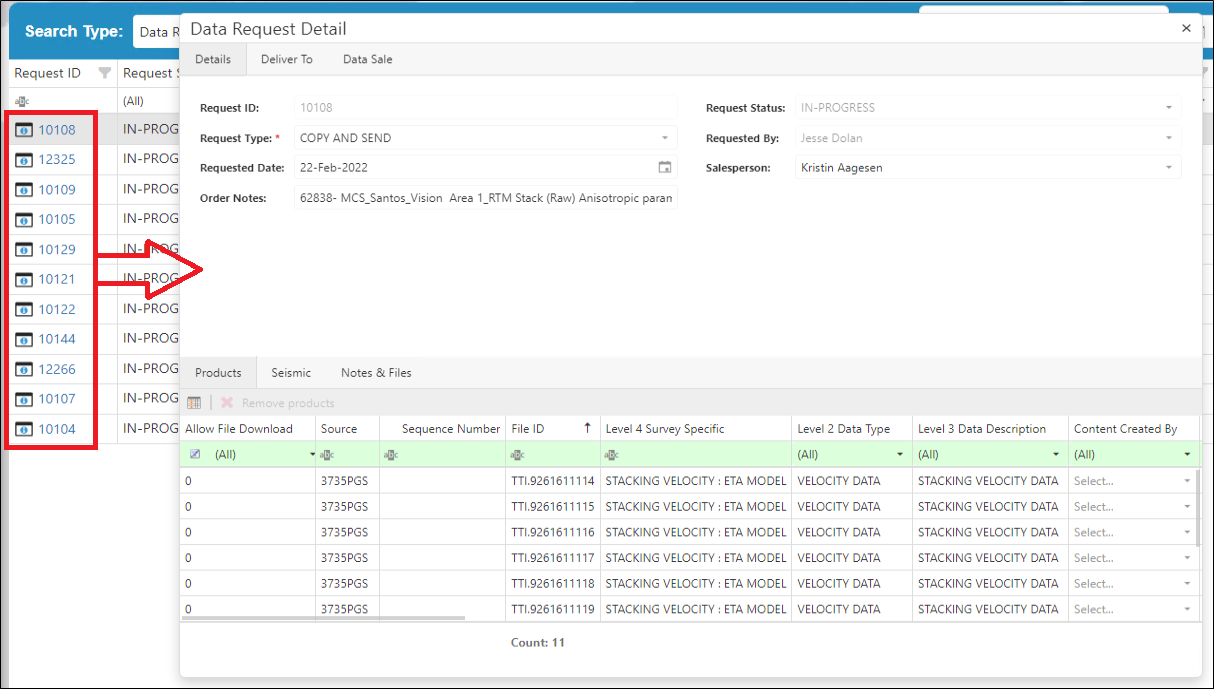
Data Request ID: When clicking the Data Request ID value, it will open the Data Request Detail dialog which shows the details pertaining to the selected Data Request.
-
Status: This column has 3 possible values: On Track (Green), Delayed (Orange) and Completed (Blue). Which is based on the date when the Data Request is in the "APPROVED" status and the Expected Delivery Date will be 5 business days after it was approved.
-
If the Data Request status is CLOSED or DELIVERED, the status will be Completed (Blue).
-
If the Data Request's Expected Delivery Date is greater than or equal to the current date, the status will be On Track (Green).
-
If the Data Request's Expected Delivery Date is less than the current date, the status will be Delayed (Orange).
-
-
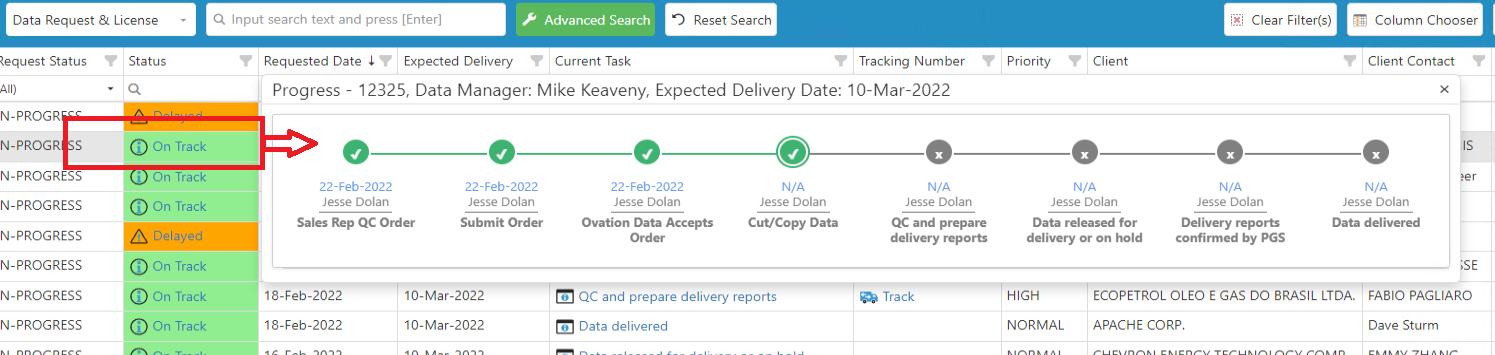
When clicking on the Status value, it will open a progress dialog which displays the completed and current task, as well as the user who completed it and the date it was completed.
-
The Dialog header shows the Data Request ID, the assigned data manager and the expected delivery date.
-
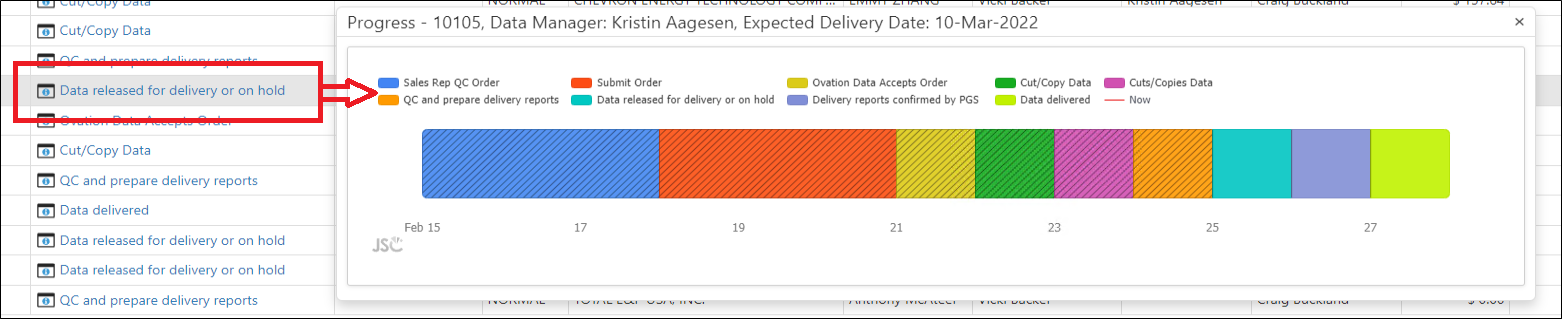
Current Task: This column shows the current task of the Data Request which is the Task right after the latest task that has a Complete date set.
-
When clicking on the Current Task value, it will open a Gantt entry dialog which displays the completed and current task and the date range it took to complete.
-
The Dialog header shows the Data Request ID, the assigned data manager and the expected delivery date.
-
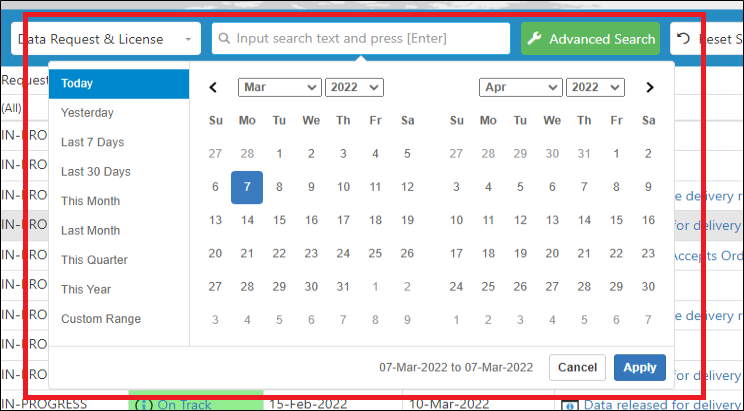
Keyword Search - Date Range Picker: When focus is set on the Keyword search textbox, a Date Picker tool will be displayed. The user can either input the keyword that he wants to search or pick a date or date range using the date picker.
-
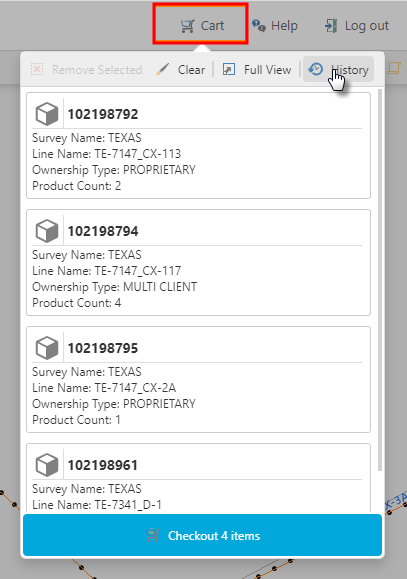
In the Cart, submitted orders are accessible from the History button.
|
|