Select Browser Version:
After adding products to an order and entering the logistics, the order is ready to submit.
-
Open the Cart, click View Cart.
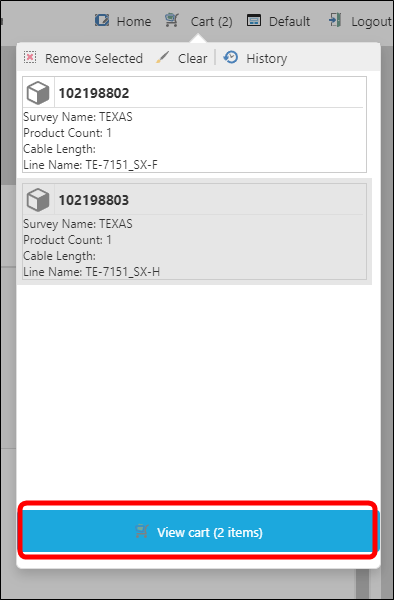
The Data Request Detail window opens.
-
Review the information.
-
If your information is complete, click Checkout.
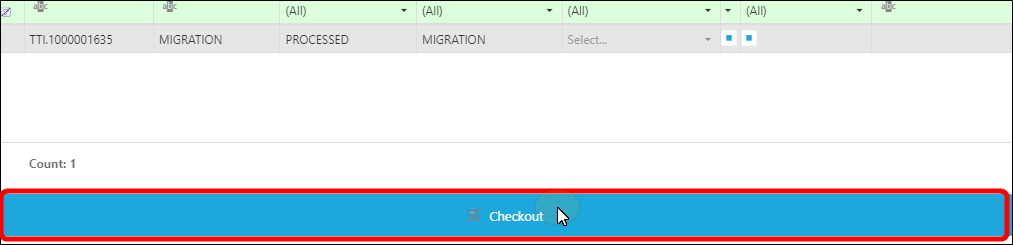
-
A confirmation dialog box will open.
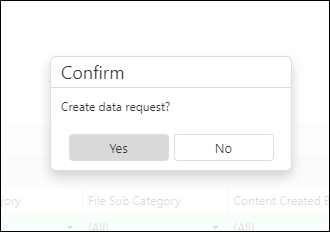
Click Yes to place the order, No to cancel.
After adding products to an order, and entering the logistics, the order is ready to submit.
-
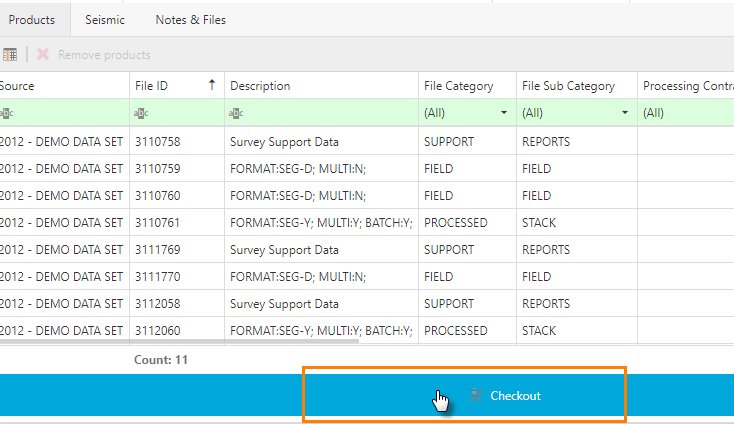
In the Cart, click Checkout. The Checkout New Request Details window opens.
-
Review the information.
-
If your information is complete, click Checkout.
-
Click Close.