Select Browser Version:
To enter details of the Data Request:
-
In the Data Request Detail window, select the Basic Details tab.
-
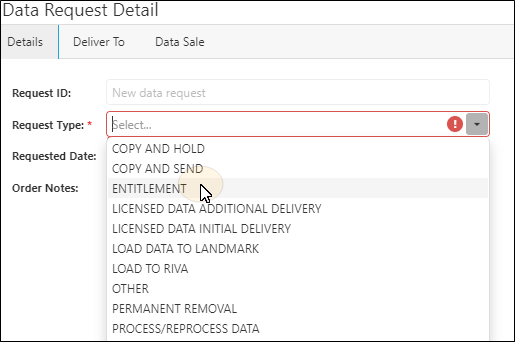
In the Basic Details tab, the Request ID field auto-generates. For the Request Type field, click the down arrow and select the request type.
-
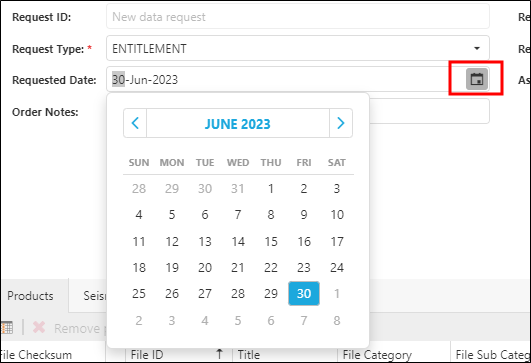
The Requested Date field is automatically populated with the current date, but can be changed if needed.
-
Request Status is populated with SUBMITTED.
-
Requested By: is automatically populated with the name of the user logged in.
-
Select the Asignee from the drop-down list.
In the Data Request Detail window, open the Basic Details tab.
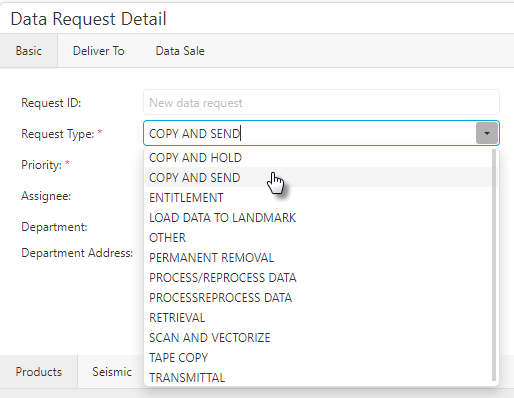
In the Basic Details tab, the Request ID field auto-generates. For the Request Type field, click the down arrow and select the request type.
Select the Priority.
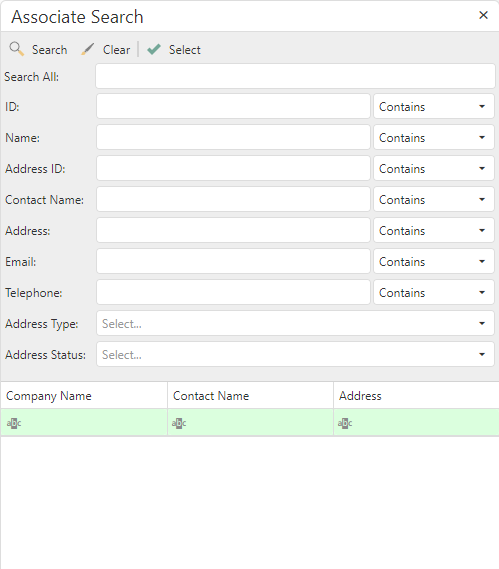
To enter the Department. use the Search Address function:
-
Click the search button to open the Search Address window.
-
Enter detail in the search filters (such as City) to locate the department.
-
Click Search. The Results tab displays.
-
Click on the department listed in the results and click Select.
Enter the Order Date and the Internal Order Ref. (if applicable).