Select Browser Version:
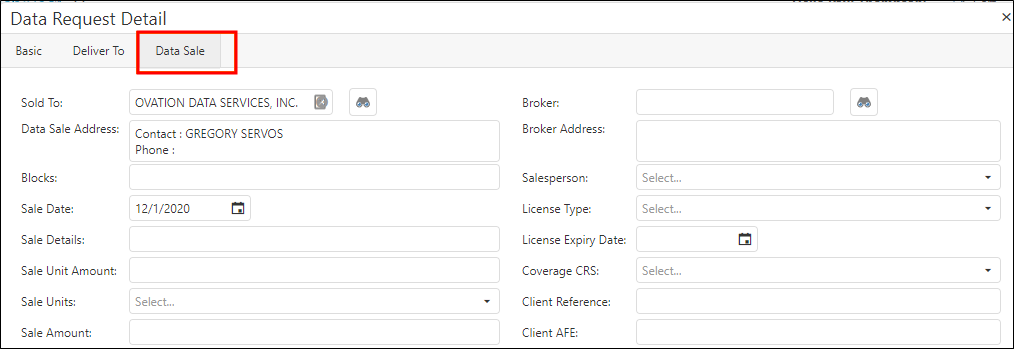
To enter the transaction details, click the Data Sale tab and enter the information for each field.
Click the search button and use the Search Address function for the Sold To field and the Broker field.
Enter the details for each field as applicable.
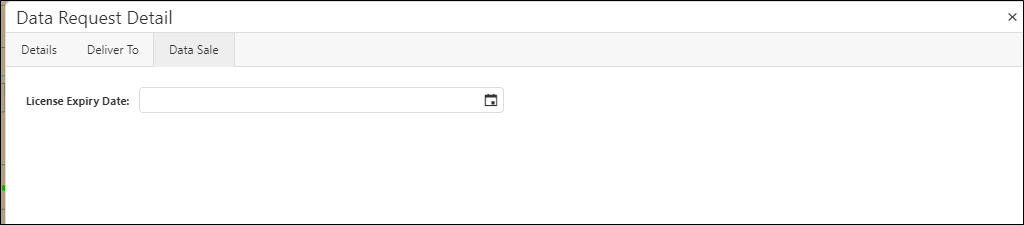
To enter the transaction details, click the Data Sale tab and enter the information for each field.
Click the search button and use the Search Address function for the Sold To field and the Broker field.
Enter the details for each field as applicable.