Select Version of EA Desktop:
A catalog session in the Released status is ready for you to accept and begin the cataloging activities.
To find the released catalog session:
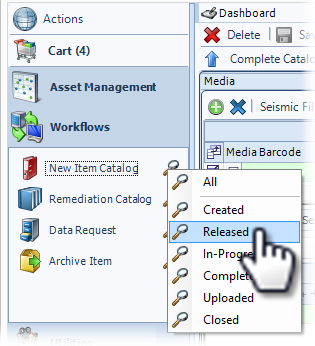
- Under Workflows, click search next to New Item Catalog.
- Select Released. The Search module opens and display the list of all Released catalog sessions.
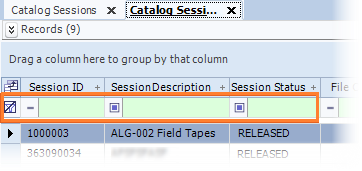
- To narrow the results and locate your target catalog session, use the filter row. Type relevant detail in a field in the top row of the grid.
- Locate the catalog session in the grid and double-click the row to open the session in the New Item Catalog module.