Select Version of EA Desktop:
To add multiple seismic records to a project, import the records using Excel.
Importing with Excel requires specific formatting for the detail to import correctly to Exploration Archives.
You can create the template directly from the Project Tracker module.
 ...
...To create a template for importing, open the Seismic tab of Related Records and click Export.
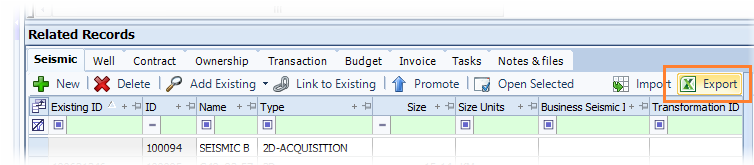
Save the file and add the seismic information to be imported.
To import seismic using an Excel spreadsheet:
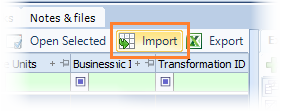
- Open the Seismic tab of Related Records and click Import.
- Navigate to the Excel file and select.
- Click Open. The seismic records add to the grid in the Seismic tab.
- Click Save.