Select Version of EA Desktop:
The Related Records panel displays additional metadata associated to highlighted seismic data.
To display Related Records:
-
Click Related Records in the upper right corner of the Seismic module.
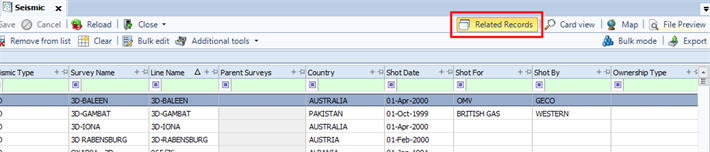
-
The Related Records panel will open in the lower portion of the workspace.
The panel displays the data associated with the seismic record(s) selected in the Seismic Properties.
Use Bulk mode to select multiple records and display the combined Related Records.
The Related Records panel is divided into tabs that includes several sections. Use the horizontal scroll bar to see all tabs.

Use the column chooser to customize the columns to display.