Select MobileMedia Version:
The Refile process is for receiving existing media items that you are storing back in their original location.
To refile media to original location:
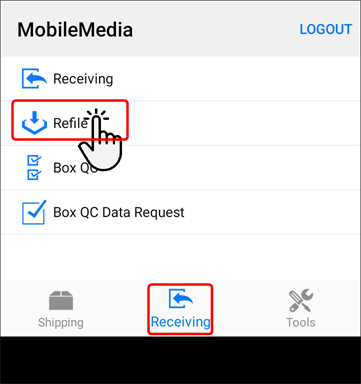
-
Open the Receiving module.
-
Tap Refile.
-
You can scan the item to populate the media to refile.
Refer to Refile by scan -
You can enter the data request number.
Refer to Refile media .
At this point, Refile offers two options:
or
The Refile process is for receiving existing media items that you are storing back in their original location.
To refile media to original location:
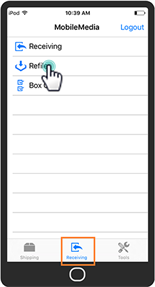
-
Open the Receiving module.
-
Tap Refile.
-
You can scan the item to populate the media to refile.
Refer to Refile by scan -
You can enter the data request number.
Refer to Refile media .
At this point, Refile offers two options:
or