Select Version of EA Desktop:
The Delivered Files tab is located in the secondary panel when the Seismic tab is selected in the related tab.
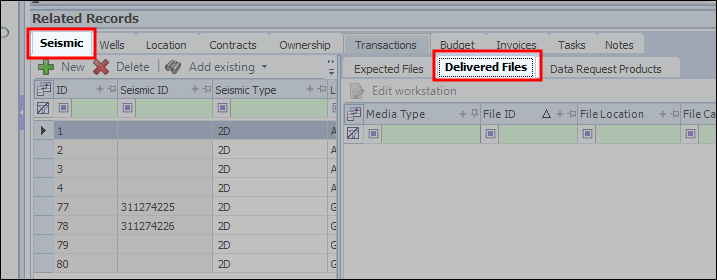
The Delivered Files tab will list files in a linked catalog session. When the catalog session is set to Uploaded, users can edit the details in Edit Workstation
For more information about Catalog Sessions refer to Catalog
In order for the files to be counted, the Seismic ID must match, also the File Category and File Sub Category from the Project module
The Delivered Files tab is located in the secondary panel when the Seismic tab is selected in the related tab.
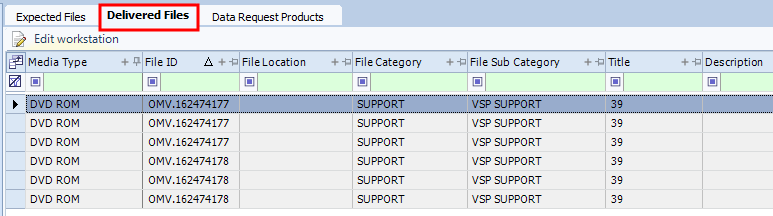
The Delivered Files tab will list files in a linked catalog session. When the catalog session is set to Uploaded, users can edit the details in Edit Workstation
For more information about Catalog Sessions refer to Catalog
In order for the files to be counted, the Seismic ID mustmatch, also the File Category and File Sub Category from the Project module