Select Version of EA Desktop:
The Expected Files tab is located in the secondary panel when a Seismic record is selected in the related tab.
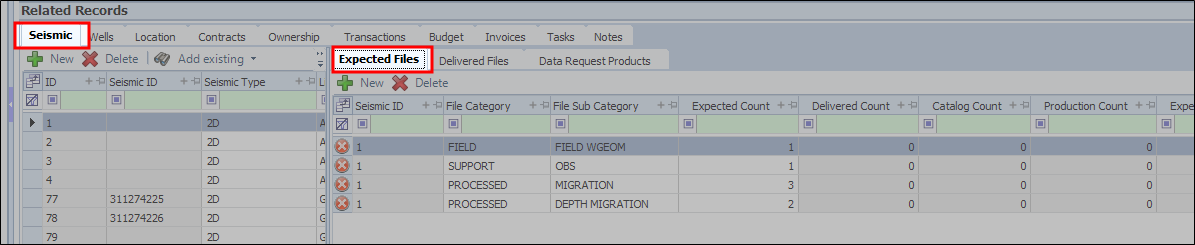
When you have selected a seismic on the left side, you can add a record in the Expected tab for files that you know/predict you'll be receiving for that seismic.
As An Example:
For instance, if the project is an Acquisition, for every seismic record, there has to be at least 2 stack files. So in the Expected tab, you can have Category = Final, sub category = Stack, Expected quantity = 2