Select Version of EA Desktop:
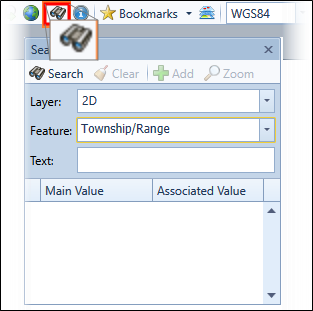
The search function is a quick method for locating records on the map.
To search for records:
-
Click Search to open the Search window.
-
In the Search window, select a layer and feature.
-
Enter text to filter your search.
Note:The search fields do not support Wildcard characters (* or %).
-
Click Search and the results populate in the grid.
-
To navigate to the map location of the well, select the seismic and click Zoom To.