Select Version of EA Desktop:
Use the Notes tab for adding notes associated to individual items or to multiple items. The notes are available to other users to review.
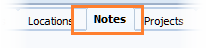
To add a note to a single record:
-
Select the record in the Seismic Propertiesgrid.
-
Open the Notes tab and click New.
-
Click the edit note icon in the Note column to open the text entry window.
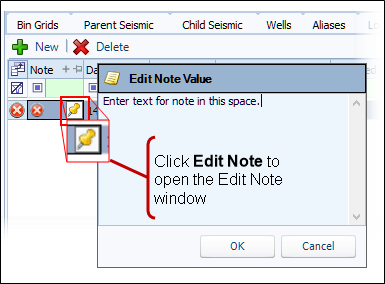
- Enter the text for your note and click OK.
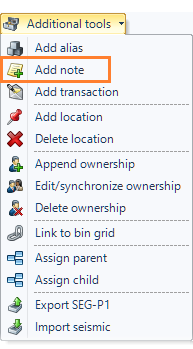
You can use Additional tools to add a shared note for multiple items.
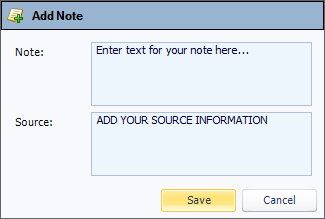
To add a shared note:
You can also use the following procedure to add a note to a single record.
|
|
|
|