Select Version of EA Desktop:
The Related Records panel of the Catalog module includes a File Notes tab for adding notes or attaching a document for supplementary information. This is useful for attaching transmittals, SEG-Y headers or any other file-related document.
You can link file notes to a single file or to multiple files. When you initially create a note, it links to the file that you have selected in the Files grid. To link to multiple files, use the Link to file button in the File Notes tab. Refer to Link notes to multiple files for details.
To create a file note:
-
Select the target file in the Files grid.
-
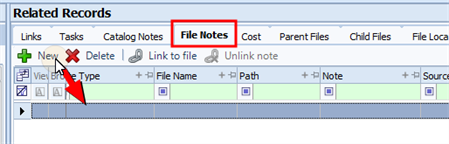
Click the File Notes tab in the lower panel.
-
Click New to create a new note. A row populates in the grid for you to edit.
-
Select the entry type in the Note Type column.
-
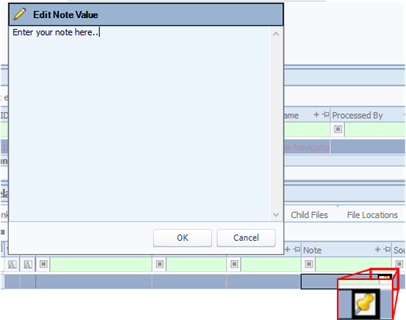
To add text in the Note column, hover over the cell to activate the enter icon . Click the icon to open the entry window.
-
Type the note details and click OK.
-
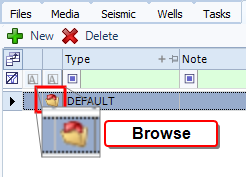
To add an attachment, click browse in the row to open the browser window.
-
Navigate to the file location, select the file and click Open. The file details populate in the File Name and Path columns.
-
Click Save.
To view a file, click view in the leader column.