Select Version of EA Desktop:
The context menu in Smart Parse includes actions for linking files.
To link files:
Right-click on the column and select the appropriate linking:
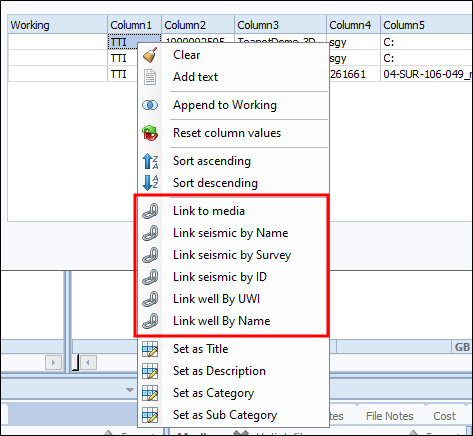
- Link to Media: uses the target column as the barcode for linking to media items.
- Link Seismic by Name: uses the target column as the seismic name for linking to seismic.
- Link seismic by Survey: uses the file path or file name to generate links by searching by the survey name field.
- Link Seismic by ID: uses the target column as the seismic ID for linking to seismic.
- Link Well by UWI:uses the target column as the UWI for linking to Wells.
- Link Well by Name: uses the target column to link to a well by name.
Click Close to commit the changes.
The context menu in Smart Parse includes actions for linking files.
To link files:
Right-click on the column and select the appropriate linking:
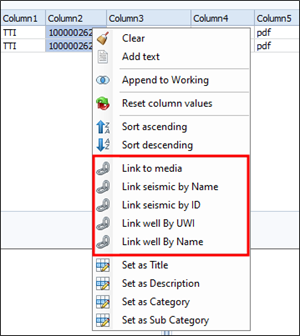
- Link to Media: uses the target column as the barcode for linking to media items
- Link Seismic by Name: uses the target column as the seismic name for linking to seismic
- Link Seismic by ID: uses the target column as the seismic ID for linking to seismic
- Link Well by UWI:uses the target column as the UWI for linking to Wells
- Link Well by Name: uses the target column to link to a well by name
Click Close to commit the changes.