Select Version of EA Desktop:
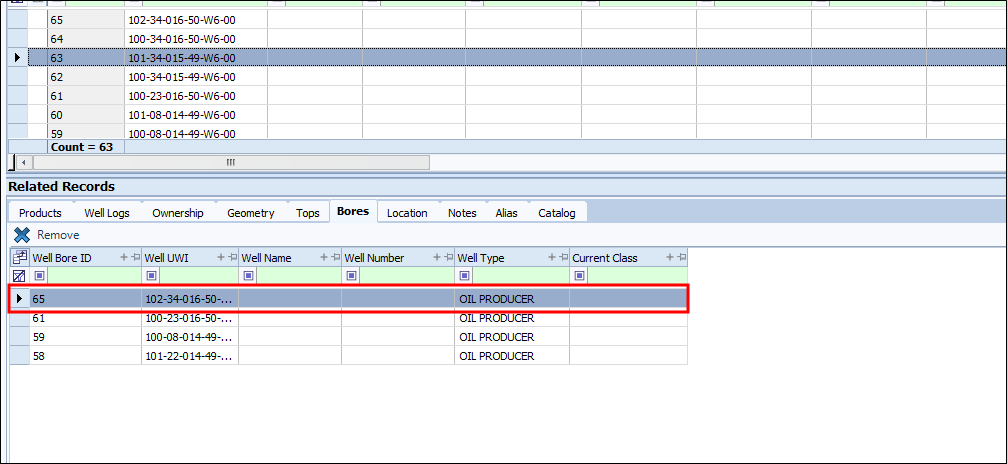
The Bores tab shows all the bore holes that are attached to a specific well.
The bores on this tab are generated after following the steps for assigning a header well.
You can remove a bore from a well from this tab, you can’t add one.
To remove a bore from the list:
-
Select the bore hole from the grid in the Bores tab.
-
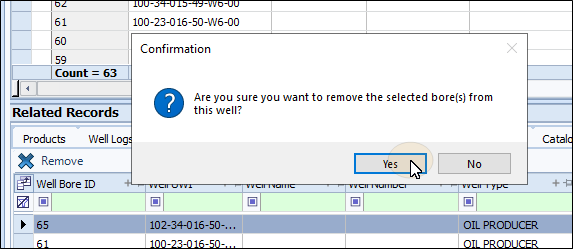
Click Remove. A confirmation disalog box will appear.
-
Click Yes. The well be removed for the list, and the child relationship will be broken with the header well.