Select Version of EA Desktop:
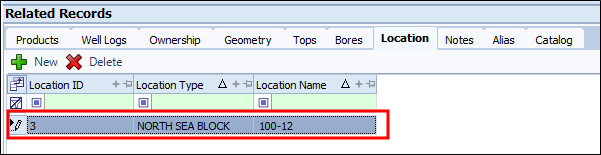
You can add Location information for a well.
To add a Location to a well:
-
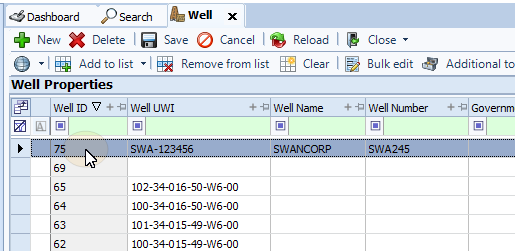
In the Well Properties panel select a well.
-
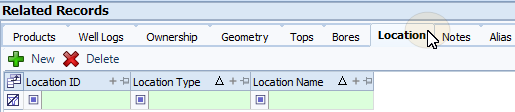
On the Related Records panel, select the Location tab to make it active.
-
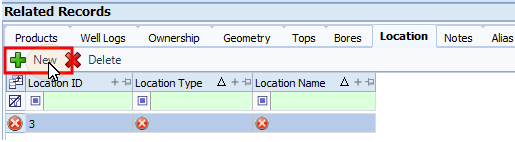
From the toolbar, click New. A blank row will appear in the grid.
 Note:
Note:A Location ID will be assigned to the row automatically. The circular X in each cell indicates a required information. When the fields have been filled and verified the indicator will disappear.
-
Enter all the relevant information in the columns for the row.
Note:Some fields are configured by selecting values in a drop-down list. The columns shown may be turned off in the grid. Use the Column Chooser to turn columns on or off.
-
On the Toolbar, select Save.